


Supports WPBrigade’s positioning as a long-term WordPress solutions provider, not just a development agency.
WordPress maintenance services are critical for keeping websites secure, fast, and fully functional.
A large portion of WordPress security breaches are caused by outdated plugins, themes, or core files—issues that regular maintenance is designed to prevent. Meanwhile, website downtime can cost businesses hundreds to thousands of dollars per hour in lost revenue and search engine ranking drops.
Many website owners still attempt DIY maintenance, but manual updates, backups, and security checks are time-consuming and error-prone. Missing even a single plugin update can leave your site vulnerable, while inconsistent backups can turn minor issues into major disasters.
Managed WordPress maintenance services address these challenges by combining automated monitoring, proactive updates, and expert support. These services not only reduce risk but also improve site performance, uptime, and SEO outcomes.
In this article, we compare top WordPress maintenance services to give you a clear, side-by-side understanding of which service delivers the most reliable updates, security, performance monitoring, and enterprise-level support.
Different services vary significantly in scope, response time, and suitability depending on site size and business goals.
Table of contents
- The Importance of WordPress Maintenance in Today’s Digital Landscape
- How We Selected the Best WordPress Maintenance Services
- Top WordPress Maintenance Services You Should Consider
- 1. WPBrigade : Managed WordPress Maintenance for Business and High-End Websites
- 3. W P Buff : Managed WordPress Maintenance for Small to Medium Websites
- 4: GoWP : White-Label WordPress Maintenance for Agencies
- 5. FixRunner : Maintenance and Emergency Support for WordPress
- 6. WP Supporters : Entry-Level WordPress Maintenance
- 7. WP SitePlan : Tiered Maintenance for SMBs
- Comparing WPBrigade with Other Top Maintenance Services
- Which WordPress Maintenance Service Is Right for Your Website?
- WordPress Maintenance Add-Ons to Maximize Your Site’s Performance
- Frequently Asked Questions
- Final Thoughts on Choosing the Right WordPress Maintenance Service
The Importance of WordPress Maintenance in Today’s Digital Landscape
Maintaining a WordPress website is essential for security, performance, scalability, and business growth. Even small downtime or slow-loading pages can directly impact revenue and user trust.
1. Security and Compliance
Regular updates for plugins, themes, and WordPress core prevent hackers from exploiting vulnerabilities. Businesses handling sensitive customer data must also meet compliance standards such as GDPR or CCPA. Professional maintenance services implement security audits, malware scanning, and login protections, ensuring your site stays compliant and secure.
2. Performance Monitoring
Website speed and reliability are key metrics for user engagement. According to recent studies, 53% of users abandon a site if it takes longer than 3 seconds to load. Maintenance services provide performance monitoring, caching optimization, database cleanups, and uptime tracking, keeping your site fast under any traffic load.
3. SEO and Ranking Stability
Search engines favor well-maintained websites. Broken links, outdated content, and slow pages can negatively affect rankings and visibility. Continuous monitoring and technical optimization help maintain search engine performance, driving more organic traffic to your site.
4. Scalability for Growth
As businesses grow, websites face higher traffic, more transactions, and complex integrations. Proper maintenance ensures your WordPress site scales without performance drops by using strategies such as staging environments, custom backups, and load testing.
5. Cost Efficiency
Unexpected downtime or hacks can lead to expensive emergency fixes. Investing in consistent maintenance reduces long-term costs, prevents revenue loss, and protects brand reputation.
For most business-critical websites, regular WordPress maintenance has become a practical requirement rather than an optional task.
Beyond basic functionality, ongoing maintenance directly affects security posture, page performance, search visibility, and a site’s ability to handle growth.
How We Selected the Best WordPress Maintenance Services
Choosing a WordPress maintenance service involves more than comparing prices or checking a list of features. To ensure a fair and practical comparison, we evaluated widely used WordPress maintenance providers based on criteria that directly impact website security, performance, and long-term reliability.
Each service was reviewed for how it handles core, plugin, and theme updates, including update frequency, testing practices, and risk management to minimize site breakage. We also examined security maintenance measures, such as malware scanning, firewall support, login protection, and backup strategies, which are essential for protecting WordPress sites from common vulnerabilities.
Performance monitoring and uptime reliability were another key focus. Services were assessed on their ability to track site speed, availability, and performance issues proactively, as well as whether they provide actionable insights or alerts when problems occur. Support quality and response times were also considered, particularly for services claiming to support business-critical or high-traffic websites.
Finally, we looked at scalability, pricing transparency, and suitability for different use cases, from small business sites to agency-managed and enterprise-level WordPress installations. Publicly available documentation, service descriptions, and customer feedback were reviewed to understand how each provider performs in real-world scenarios.
This evaluation approach allows readers to compare WordPress performance monitoring services based on practical requirements rather than marketing claims, making it easier to choose a solution that aligns with their website’s size, complexity, and long-term goals.
Top WordPress Maintenance Services You Should Consider
Based on the evaluation criteria outlined above, the following WordPress maintenance services stand out for their reliability, feature coverage, and suitability for different website needs. Each service takes a different approach to updates, security, performance monitoring, and support, making them better suited to specific use cases rather than a one-size-fits-all solution.
To keep comparisons consistent, each provider is reviewed using the same structure, covering key features, ideal use cases, advantages, limitations, and pricing considerations. The list includes a mix of full-service maintenance agencies, automated providers, and white-label solutions for agencies.
The purpose of this comparison is to help readers identify which WordPress maintenance services align best with their site’s size, complexity, and long-term goals.
Below are the 7 best WordPress maintenance services.
1. WPBrigade: Managed WordPress Maintenance for Business and High-End Websites

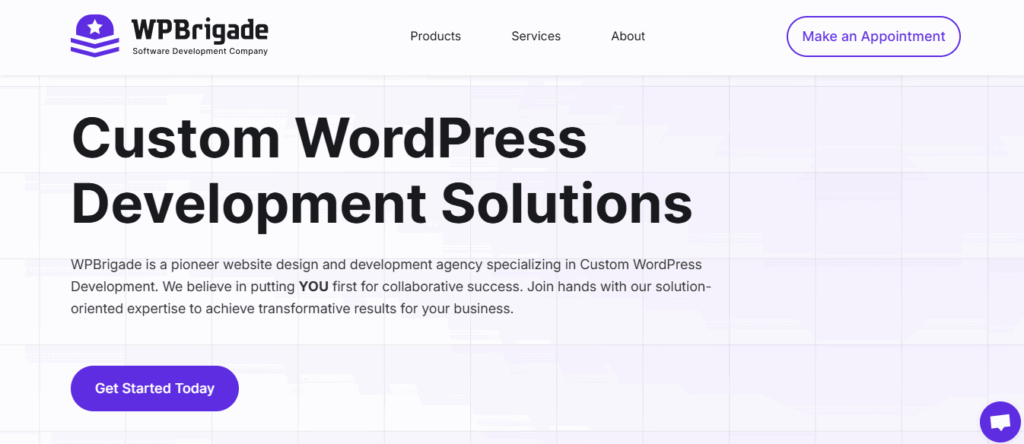
WPBrigade provides managed WordPress maintenance services focused on websites that require consistent uptime, proactive monitoring, and structured support. Their best website maintenance services for WordPress are designed for businesses, agencies, and high-traffic websites that need more than basic automated updates and backups.
Rather than relying solely on automation, WPBrigade combines routine maintenance tasks with hands-on oversight. This approach is particularly relevant for websites where plugin conflicts, security incidents, or performance issues can directly impact revenue, search visibility, or user trust.
Key Features & Capabilities
Managed Updates with Risk Control
WPBrigade handles WordPress core, plugin, and theme updates using structured workflows. Updates are tested in staging environments where appropriate, reducing the risk of breaking live sites due to compatibility issues.
Performance Monitoring and Analytics
Ongoing monitoring covers uptime, page performance, and site health indicators. Performance data can be paired with analytics insights to help identify slow pages, traffic drops, or user engagement issues that may require technical attention.
Security Maintenance and Prevention
Security measures include malware scanning, firewall configuration support, login protection, and regular vulnerability checks. These features are aimed at reducing common WordPress security risks, particularly for sites handling sensitive data or high traffic volumes.
Backups and Staging Environments
Automated backups are managed with versioned restore options, allowing sites to roll back changes if updates or deployments cause issues. Staging environments are available for testing changes before they are applied to production sites.
Support for Agencies and Enterprise Sites
WPBrigade offers structured support options, including response-time commitments and white-label services for agencies managing multiple client websites. Maintenance plans can be adapted based on site complexity, traffic levels, and operational requirements.
Ideal Use Cases
WPBrigade is best suited for:
- Business websites where downtime or security incidents carry financial or reputational risk
- High-traffic or content-heavy WordPress sites that require consistent performance monitoring
- Agencies looking for white-label maintenance support for client sites
- Organizations that prefer proactive maintenance over reactive, on-demand fixes
Advantages and Limitations
Pros
- Proactive approach to updates, monitoring, and security
- Suitable for both growing businesses and enterprise-level WordPress sites
- Structured support options, including agency and white-label use cases
- Ability to integrate analytics and security tools as part of maintenance workflows
Cons
- Maybe more than required for small personal blogs or low-traffic sites
- Pricing is higher than entry-level or fully automated maintenance services
Pricing Overview
WPBrigade offers tiered maintenance plans based on website size, traffic volume, and support requirements. Pricing typically includes managed updates, backups, monitoring, and technical support, with custom plans available for enterprise or agency use cases.
2. SiteCare: Managed WordPress Maintenance for Small and Medium Businesses

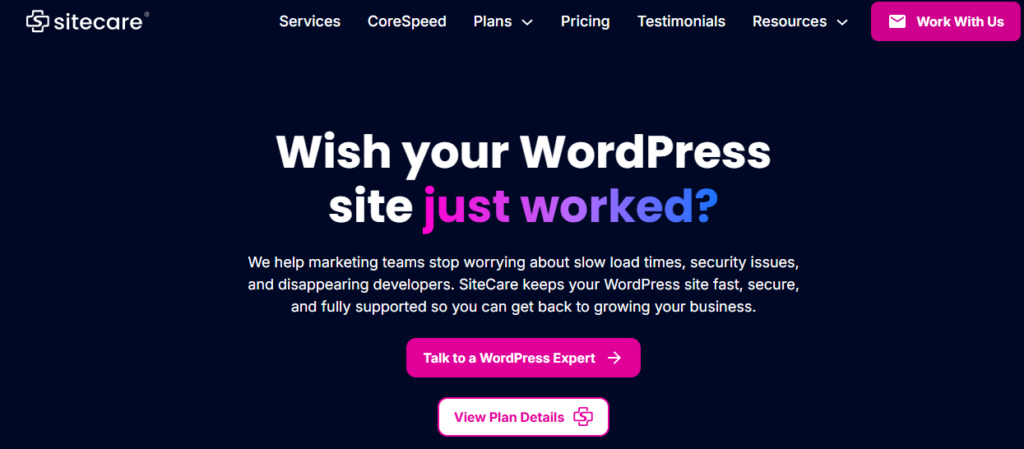
SiteCare provides managed WordPress maintenance with a focus on small to medium business websites that need reliable updates and basic support without extensive customization.
Key Features & Capabilities
- Updates & Backups: Regular core, plugin, and theme updates, along with daily automated backups.
- Security Monitoring: Basic malware scanning and firewall monitoring to reduce common risks.
- Performance Checks: Site speed monitoring and optimization recommendations.
- Support: Email-based support for troubleshooting and guidance.
Ideal Use Cases
- Small businesses or blogs with moderate traffic
- Agencies looking for simple maintenance for client sites
- Websites that need basic automation without extensive enterprise features
Advantages and Limitations
Pros
- Affordable and easy to use
- Covers essential maintenance tasks with automation
- Reduces the need for manual oversight
Cons
- Limited enterprise features and proactive monitoring
- No SLA-backed uptime guarantees
- Basic security compared with enterprise-grade services
Pricing Overview
SiteCare offers tiered plans starting with a focus on SMBs. Pricing covers updates, backups, and email support, with higher-tier plans providing more frequent monitoring and additional security options.
3. WP Buff: Managed WordPress Maintenance for Small to Medium Websites

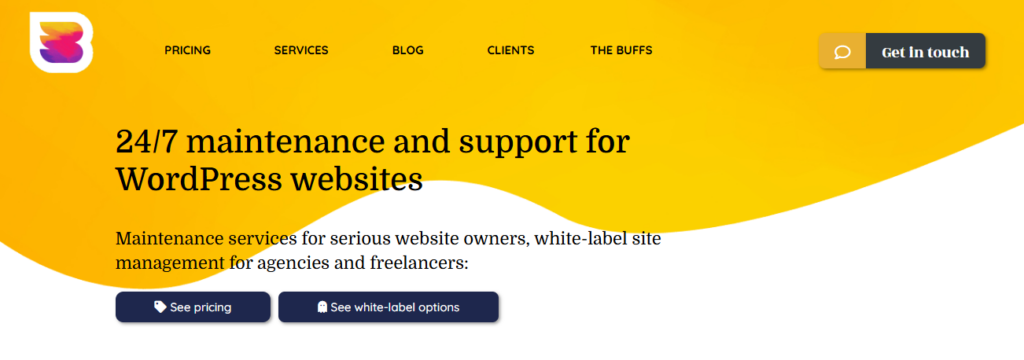
WP Buff provides managed WordPress maintenance for small and medium websites, emphasizing automation and simple support.
Key Features & Capabilities
- Automated Updates: Core, plugin, and theme updates handled automatically.
- Backups: Daily backups with basic restore options.
- Security: Basic malware scanning and site protection.
- Support: Email-based support for troubleshooting and guidance.
Ideal Use Cases
- SMB websites that require hassle-free maintenance
- Personal blogs or small business sites with low to moderate traffic
- Users seeking automated updates without complex customization
Advantages and Limitations
Pros
- Affordable and simple to use
- Covers essential maintenance tasks
- Minimal manual oversight required
Cons
- Limited enterprise-level features
- Reactive support rather than proactive monitoring
- Basic security compared with higher-tier services
Pricing Overview
WP Buff offers straightforward pricing with monthly plans suitable for small business websites. Higher-tier features, such as enhanced monitoring or analytics, may require add-ons.
4: GoWP: White-Label WordPress Maintenance for Agencies

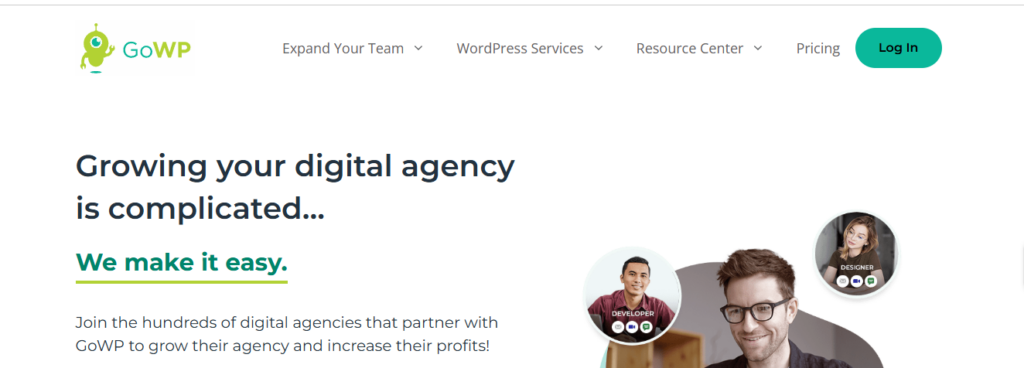
GoWP is a white-label maintenance service designed for agencies managing multiple client websites.
Key Features & Capabilities
- Updates & Backups: Regular automated updates and daily backups.
- Security Monitoring: Malware scanning and firewall monitoring.
- Reporting: White-label client reports to track updates and site health.
- Support: Ticket-based support with agency-focused workflows.
Ideal Use Cases
- Agencies managing multiple client WordPress sites
- Businesses needing branded reporting for client-facing maintenance
- Sites that require standard updates and monitoring rather than advanced security
Advantages and Limitations
Pros
- White-label reporting supports agency branding
- Automated updates reduce manual effort
- Focused on client site management
Cons
- Limited advanced security features
- Support may be slower than SLA-backed enterprise services
- Performance monitoring is basic
Pricing Overview
GoWP pricing is tiered based on the number of client sites and the level of maintenance features, making it suitable for agencies with multiple clients.
5. FixRunner: Maintenance and Emergency Support for WordPress

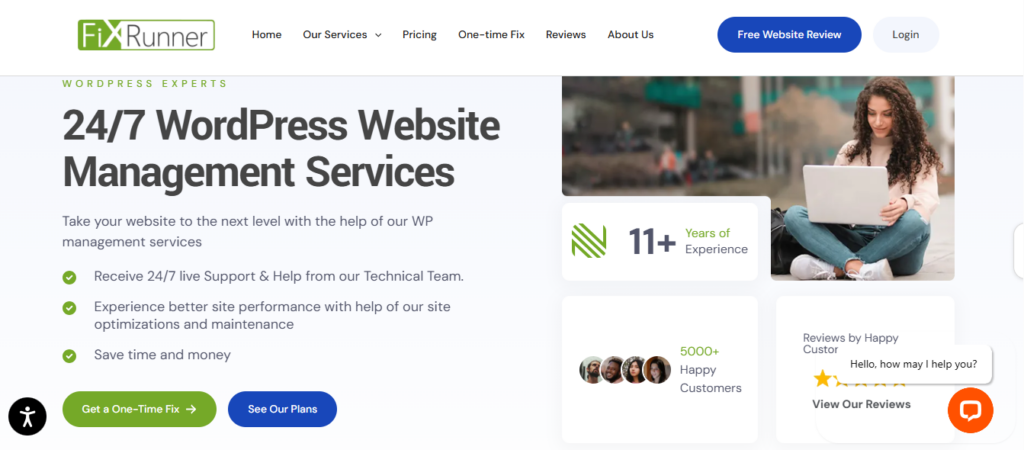
FixRunner provides both routine maintenance and emergency support for WordPress websites, focusing on responsiveness to immediate issues.
Key Features & Capabilities
- Updates & Backups: Daily updates and backups to keep sites current.
- Security Monitoring: Basic malware scanning and protection.
- Emergency Fixes: On-demand bug fixes for urgent issues.
- Support: Live chat and ticket-based support for fast response.
Ideal Use Cases
- Websites requiring rapid emergency response
- SMBs that need a basic maintenance package with on-demand fixes
- Sites without dedicated IT teams
Advantages and Limitations
Pros
- Responsive support for urgent issues
- Covers essential updates and backups
- Live chat provides quick access to help
Cons
- Limited proactive monitoring
- Focused more on reactive fixes than long-term maintenance
- Security and performance features are basic
Pricing Overview
FixRunner offers flexible plans for emergency support and basic maintenance. Pricing varies depending on the number of sites and the level of urgency required.
6. WP Supporters: Entry-Level WordPress Maintenance

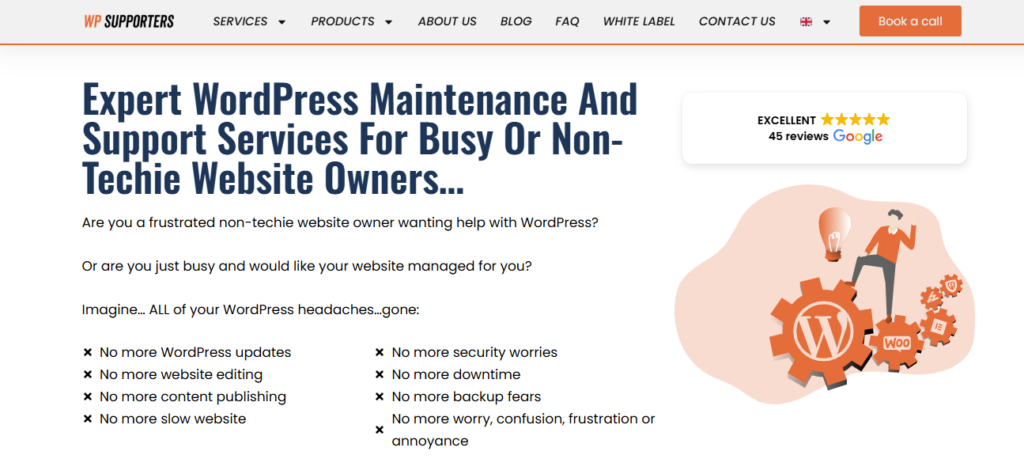
WP Supporters offers basic maintenance for small business sites or blogs that require automated updates and minimal support.
Key Features & Capabilities
- Updates & Backups: Automated plugin, theme, and core updates with backups.
- Security: Basic scanning for common vulnerabilities.
- Support: Email-based support for small issues.
Ideal Use Cases
- Small websites or blogs with low traffic
- Individuals or businesses looking for basic, low-cost maintenance
- Sites that do not require enterprise-level monitoring
Advantages and Limitations
Pros
- Very affordable and easy to implement
- Reduces manual maintenance for small sites
- Covers core updates and basic security
Cons
- Minimal security, performance, and analytics features
- Limited support options and no SLA guarantees
- Not suitable for high-traffic or enterprise sites
Pricing Overview
WP Supporters offers budget-friendly plans designed for entry-level maintenance. Features are limited to essential updates and backups.
7. WP SitePlan: Tiered Maintenance for SMBs

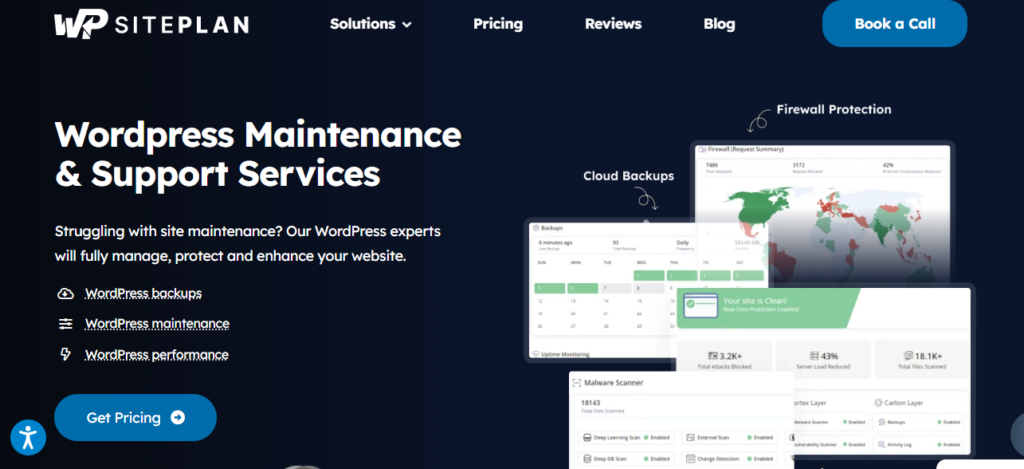
WP SitePlan provides tiered WordPress maintenance plans focused on small and medium businesses with straightforward maintenance needs.
Key Features & Capabilities
- Updates & Backups: Core, plugin, and theme updates with daily backups.
- Security Monitoring: Basic malware and firewall monitoring.
- Support: Email-based support with standard response times.
- Plans: Tiered options based on website size and complexity.
Ideal Use Cases
- SMBs looking for predictable, automated maintenance
- Websites that do not require enterprise-grade security or proactive monitoring
- Users seeking a straightforward maintenance plan without customization
Advantages and Limitations
Pros
- Simple, predictable plans with essential maintenance
- Covers updates, backups, and basic security
- Automated workflows reduce manual effort
Cons
- Limited enterprise readiness or SLA-backed support
- Minimal performance monitoring
- Not ideal for agencies or high-traffic websites
Pricing Overview
WP SitePlan pricing is tiered based on website size and plan features. Plans are suitable for small to medium sites requiring automated maintenance without advanced support.
Comparing WPBrigade with Other Top Maintenance Services
The table below summarizes key capabilities across seven popular WordPress maintenance services, highlighting differences in updates, security, backups, performance monitoring, support, and white-label options.
This comparison helps identify which service aligns best with your website’s size, traffic, and long-term goals, rather than simply choosing one “best” provider.
| Service | Updates | Security | Backups | Performance Monitoring | Support | White-label Options | Pricing/Value |
| WPBrigade | ✅ Proactive, tested updates | ✅ Advanced malware & login protection | ✅ Daily, versioned & staging | ✅ Continuous analytics with insights | ✅ SLA-backed, 24/7 support | ✅ Yes, for agencies | High value for features |
| SiteCare | ✅ Regular updates | ⚠ Basic security | ✅ Daily backups | ⚠ Basic checks | ⚠ Email support | ❌ No | Affordable |
| WP Buff | ✅ Automated updates | ⚠ Basic scanning | ✅ Backups | ⚠ Limited | ⚠ Email support | ❌ No | Good for SMBs |
| GoWP | ✅ Updates & backups | ⚠ Limited security | ✅ Daily backups | ⚠ Basic monitoring | ⚠ Ticket-based | ✅ Yes | Agency-focused |
| FixRunner | ✅ Updates | ⚠ Basic security | ✅ Backups | ⚠ Minimal | ⚠ Live chat support | ❌ No | Focus on emergencies |
| WP Supporters | ✅ Updates | ⚠ Basic | ✅ Backups | ⚠ None | ⚠ Email support | ❌ No | Budget-friendly |
| WP SitePlan | ✅ Updates | ⚠ Basic | ✅ Backups | ⚠ Limited | ⚠ Email support | ❌ No | Simple maintenance |
WPBrigade offers a broader scope with proactive monitoring, enterprise-level security, and customizable support, while other services focus primarily on essential updates and backups. Services such as WP Buff, WP Supporters, and WP SitePlan are well-suited for small to medium websites with straightforward maintenance needs, whereas GoWP and SiteCare provide additional agency-friendly or SMB-focused features.
Which WordPress Maintenance Service Is Right for Your Website?
Selecting the right WordPress maintenance service depends on your site’s complexity, traffic, and operational priorities. Key considerations include:
- Scope of Maintenance: Do you need proactive monitoring, performance analytics, and enterprise-grade security, or only basic updates and backups?
- Support & Response Time: Are SLA-backed support and white-label options important for your business or agency needs?
- Scalability: Will your website grow significantly in traffic or complexity, requiring staging environments, multi-site management, or advanced backup strategies?
- Budget: How much can you allocate to maintenance while balancing features and support requirements?
Which Maintenance Service Fits Your Site?
- Small Personal or Business Sites: Services like WP Supporters, WP Buff, and WP SitePlan offer essential updates, backups, and basic security at affordable rates.
- Agencies Managing Client Sites: GoWP provides white-label reporting and client-focused workflows, while SiteCare also supports SMB agency clients.
- Growing or High-Traffic Sites: WPBrigade provides proactive monitoring, enterprise-level security, staged updates, and customizable add-ons like analytics (Analytify) or login protection (LoginPress), making it suitable for websites where downtime, security, or performance directly impacts revenue or user trust.
- Emergency-Focused Maintenance: FixRunner specializes in on-demand fixes for urgent issues, complementing routine maintenance services.
By framing your selection around requirements and risk tolerance, this comparison allows you to choose a service that fits your website’s operational needs and growth plans rather than a generic “best” label.
WordPress Maintenance Add-Ons to Maximize Your Site’s Performance
Even with a managed maintenance plan, add-ons can enhance security, performance, and monitoring, helping websites meet specific business or technical needs. Different add-ons are better suited for small businesses, agencies, or enterprise-level sites.
Key Plugins and Add-Ons with Their Benefits
1. Analytics & Performance Monitoring: Analytify
Analytify integrates analytics directly within WordPress, providing insights on user behavior, traffic trends, and engagement metrics. Paired with professional maintenance, it helps identify performance bottlenecks and opportunities to improve conversions.
2. Security & Login Protection: LoginPress
LoginPress adds an extra layer of security with features such as two-factor authentication, login attempt monitoring, and customizable login pages. This is particularly useful for high-traffic or sensitive sites that need proactive access protection.
3. Backup & Monitoring Add-Ons
Additional backup tools can provide off-site storage, versioned restores, and real-time alerts. These add-ons reduce the risk of data loss during updates or unexpected site errors, complementing core maintenance workflows.
4. Managed Maintenance Add-Ons
Other add-ons include staging environments, white-label reporting, and multi-site management. These features allow agencies and enterprises to safely test changes, manage complex sites, and provide branded reporting for clients.
Choosing Add-Ons Based on Your Site
- Small to Medium Businesses (SMBs): Analytics and login security add-ons typically provide the most value, improving insights and site protection without significant additional complexity.
- Enterprise or High-Traffic Sites: Advanced backups, staging environments, and multi-site support are recommended to ensure uptime, scalability, and compliance with internal or industry standards.
By combining a managed maintenance plan with the right add-ons, website owners can maximize reliability, security, and performance, creating a WordPress environment that adapts to both routine operations and unexpected challenges.
Frequently Asked Questions
Managed maintenance like WPBrigade combines automation with expert oversight, ensuring updates, backups, and security measures are applied proactively, minimizing risks and downtime.
Final Thoughts on Choosing the Right WordPress Maintenance Service
Selecting a WordPress maintenance service is a critical step in keeping your website secure, fast, and reliable. Different providers offer varying levels of updates, security, performance monitoring, and support, so the best choice depends on your site’s size, traffic, and long-term goals.
For small businesses or personal websites, services like WP Supporters, WP Buff, or WP SitePlan provide essential updates, backups, and basic security at an affordable price. Agencies managing multiple client sites may benefit from white-label solutions like GoWP or SiteCare. Growing or high-traffic websites may require a more proactive approach, including enterprise-level security, staging environments, analytics, and SLA-backed support features offered by WPBrigade.
Ultimately, the goal is to select a service that aligns with your website’s operational needs and growth plans. Evaluating each provider based on your specific requirements, risk tolerance, and budget ensures that your WordPress site remains secure, performs well, and supports your business objectives over the long term.
You may also like to read Top 8 WordPress Development Agencies to Consider.
Which WordPress maintenance features matter most to your website: proactive updates, enterprise-level security, or performance monitoring? Share your priorities in the comments below!