
Choosing between custom WordPress vs no-code builders comes down to one question: where is your business right now, and where is it going in the next 12 months? No-code platforms like Webflow and Wix are the right choice when you are early-stage and speed matters more than control. Custom WordPress is the right choice when you need functionality, data ownership, or technical SEO depth that no-code cannot deliver.
No-code is the right start. Custom WordPress is the right next chapter.
Below is a simple decision framework: when no-code is the better choice, the 5 signals that you’ve outgrown your platform, a side-by-side comparison, and what moving to custom WordPress involves.
I’m Muhammad Adnan, CEO of WPBrigade. No-code builders are often the right place to start, and I’d rather you stay on one than migrate too early. The signals below show when it’s actually time to move.
Table of Contents
- What Do ‘No-Code Builders’ and ‘Custom WordPress’ Actually Mean?
- What No-Code Builders Actually Do Well
- Where No-Code Builders Hit Their Ceiling
- Custom WordPress vs No-Code: Side-by-Side Comparison
- The 5 Signals It Is Time to Move to Custom WordPress
- Signal 1: You Are Paying for 3 or More Third-Party Tools to Plug Platform Gaps
- Signal 2: Your Developer Is Blocked by the Platform
- Signal 3: SEO Is Becoming a Competitive Disadvantage
- Signal 4: Your Monthly Platform Cost Exceeds What a Build Would Cost
- Signal 5: You Need Data Ownership and Compliance Control
- Which Option Is Right for Your Business Right Now?
- What Migrating from No-Code to Custom WordPress Actually Involves
- Frequently Asked Questions
- Custom WordPress and No-Code Builders: Final Thoughts
What Do ‘No-Code Builders’ and ‘Custom WordPress’ Actually Mean?
No-code builders are best for speed, low upfront cost, and non-technical control.
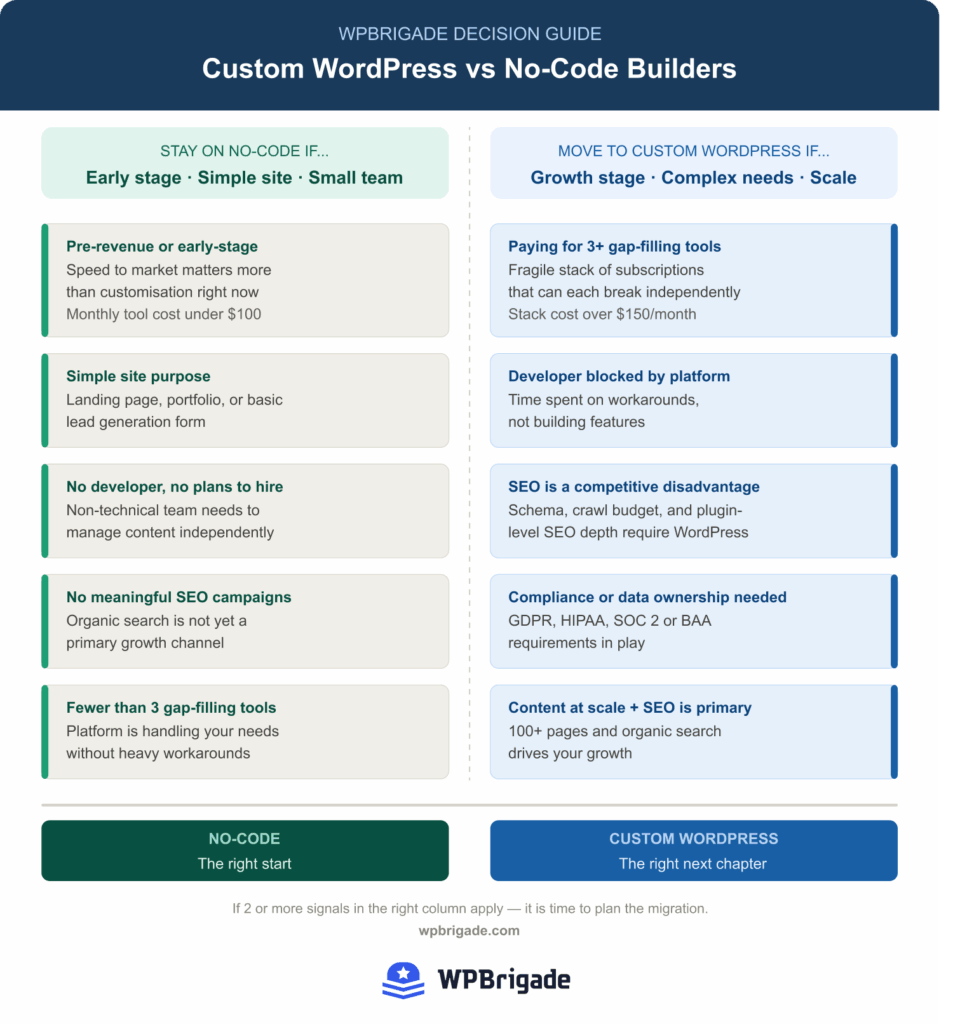
Webflow, Wix, and Squarespace are the main no-code builders. You design in a browser interface; the platform handles hosting, security updates, and infrastructure. You do not own the server or the code.
Newer AI builders like Onepage are also gaining ground. It creates fully editable pages with AI and includes built-in forms, funnels, a CRM and an MCP integration with Claude.
Custom WordPress is a self-hosted website built on the open-source WordPress CMS. A developer configures the theme, plugins, and database architecture to match your specific business requirements. You own the files, the database, and the platform.
The difference is not just technical. It is about control, ownership, and what you can build as your business scales.
What No-Code Builders Actually Do Well
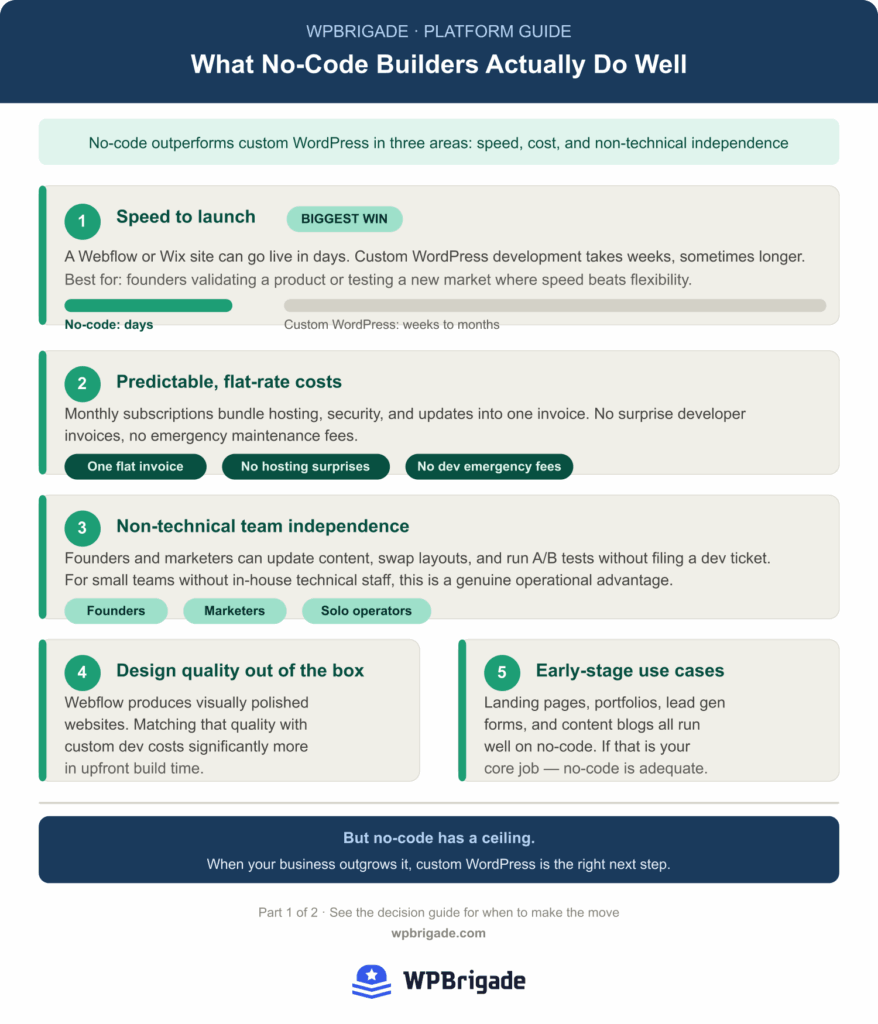
No-code builders outperform custom WordPress on three dimensions: speed to launch, upfront cost, and day-to-day independence for non-technical teams. For early-stage businesses, these advantages are real.
Speed to Launch
A Webflow or Wix site can go live in days. Custom WordPress development takes weeks, sometimes longer. For founders validating a product or testing a market, speed genuinely matters more than flexibility.
Predictable, Flat-Rate Costs
No-code platforms run on monthly subscriptions that bundle hosting, security, and updates into one invoice. There are no surprise developer invoices, no hosting bills, and no emergency maintenance fees when something breaks.
Non-Technical Team Independence
Founders and marketers can update content, swap page layouts, and run A/B tests without filing a dev ticket. For small teams without in-house technical staff, this is a genuine operational advantage.
Design Quality Out of the Box
Webflow produces visually polished websites. Replicating the same design quality with custom development costs significantly more in upfront build time.
Sufficient for Most Early-Stage Use Cases
Landing pages, portfolio sites, simple lead generation forms, and content blogs all run well on no-code platforms. If your site’s core job is any of these, no-code is adequate.
So, when does no-code stop being the right answer for a growing business website?
When to use no-code instead of WordPress depends on your stage, team, and required functionality.
Where No-Code Builders Hit Their Ceiling
No-code builders hit their ceiling when you need custom functionality, data ownership, or technical SEO depth. These limits are deliberate platform tradeoffs that extra tools cannot overcome past a certain point of growth.
You Do Not Own Your Data or Infrastructure
No-code platforms are closed systems. Your site, CMS content, and customer data live on the platform’s servers. If they change pricing, deprecate a feature, or shut down a service, you are affected with limited options.
Custom WordPress is self-hosted. You own the database, the files, and the platform itself. Migration is always possible because nothing is locked to a proprietary system.
Custom Functionality Hits a Hard Wall
Need a complex membership system, a multi-step intake form with conditional logic, a custom pricing calculator, or a CRM integration that goes beyond Zapier? No-code platforms cannot build that natively.
Every workaround adds another third-party tool, another subscription, and another potential point of failure. The stack becomes fragile.
SEO Depth Is Limited
Webflow’s SEO is better than most no-code competitors, but it does not match custom WordPress for technical SEO control. Schema markup at scale, faceted navigation, hreflang for multilingual sites, and canonical handling all require workarounds on no-code platforms.
WordPress, combined with plugins like Rank Math or Yoast, gives you full control over structured data, crawl configuration, and schema implementation across thousands of pages.
Performance Under Load
No-code platforms manage hosting for you, which removes control. Custom WordPress on managed hosting (Kinsta, WP Engine, or Cloudways) consistently outperforms shared no-code infrastructure for high-traffic sites, because you control the server configuration.
Cost Scales Against You
Webflow’s Premium site plan runs $30/month billed monthly ($25 billed annually). Add a membership tool, a form builder, a CRM connector, and a scheduling widget, and your monthly cost climbs fast. Past a certain point, you are paying more per year than a custom WordPress build would have cost as a one-time investment.
Custom WordPress vs No-Code: Side-by-Side Comparison
When deciding between Webflow and custom WordPress, or any no-code builder and custom site development, the right answer depends on your business stage. No-code wins on speed and upfront cost. Custom WordPress wins on functionality, SEO depth, data ownership, and long-term cost efficiency at scale.
This comparison highlights where each approach fits.
| Factor | No-Code (Webflow / Wix) | Custom WordPress |
|---|---|---|
| Time to launch | Days to weeks | Weeks to months |
| Upfront cost | Low (subscription) | Higher (development fee) |
| Ongoing cost | Scales with tools added | Low (hosting only) |
| Design flexibility | High within platform limits | Unlimited |
| Custom functionality | Limited, workarounds required | Unlimited |
| SEO depth | Moderate | Full control |
| Data ownership | Platform-controlled | You own everything |
| Scale ceiling | Real, hits limits at scale | No ceiling |
| Best for | Early stage, simple sites | Growth stage, complex needs |
Low-code tools extend no-code capabilities slightly, but they still inherit platform limitations.
The 5 Signals It Is Time to Move to Custom WordPress
You have outgrown your no-code platform if you recognize two or more of these five signals. They are the clearest indicators that low-code or no-code solutions can no longer support your business needs.
| # | Signal | What It Looks Like |
|---|---|---|
| 1 | 3+ third-party tools filling gaps | Separate apps for memberships, forms, CRM and scheduling |
| 2 | Developer blocked by the platform | More time on workarounds than on new features |
| 3 | SEO is a competitive disadvantage | Competitors outrank you on technical SEO |
| 4 | Platform cost exceeds a build | Monthly tool stack costs more than custom hosting over time |
| 5 | Data ownership and compliance | GDPR, HIPAA or SOC 2 needs control over where data lives |
Signal 1: You Are Paying for 3 or More Third-Party Tools to Plug Platform Gaps
Paying for three or more separate tools to fill platform gaps means you have built a fragile stack, not a platform.
Each integration is a dependency that can break independently. Custom WordPress consolidates this into a single, maintainable codebase, replacing multiple subscriptions with purpose-built plugins.
Scenario: You are running a Webflow site with a third-party membership tool, a standalone form tool, and Zapier to push data into your CRM. Each one is a separate monthly cost and a separate failure point.
Signal 2: Your Developer Is Blocked by the Platform
If your developer is spending time working around platform limitations rather than building features, the platform is the bottleneck, not your team.
Custom WordPress gives developers full PHP access, custom post types, hooks, the REST API, and a plugin ecosystem with over 60,000 options. There is no ceiling on what can be built.
Scenario: Your developer cannot implement the dynamic pricing logic your product needs because the platform’s CMS does not support conditional calculations.
Signal 3: SEO Is Becoming a Competitive Disadvantage
If competitors are outranking you and technical SEO is part of the gap, no-code platforms will not close it. Schema control, crawl budget management, and plugin-level SEO depth all require WordPress.
Scenario: You need FAQPage schema, product schema, and breadcrumb markup implemented consistently across 200 pages. Doing this manually on a no-code platform is not scalable.
Signal 4: Your Monthly Platform Cost Exceeds What a Build Would Cost
The numbers matter. A typical no-code stack adds up to $108/month or $1,296/year, compared to custom WordPress hosting at roughly $40/month post-build. At that rate, the move to custom WordPress development pays for itself within 12 to 18 months.
| Tool / Platform | Monthly Cost | Annual Cost |
|---|---|---|
| Webflow Premium site plan | $30 | $360 |
| Membership tool (Memberstack Basic) | $29 | $348 |
| Form builder (Typeform Basic) | $29 | $348 |
| Automation platform (Zapier Professional) | $20 | $240 |
| Total no-code stack | $108 | $1,296 |
| Custom WordPress (hosting only, post-build) | $40 | $480 |
Note: Monthly-billing prices checked on each pricing page in October 2026. Annual billing is cheaper on every tool. Verify current pricing before making build-vs-subscription decisions.
Signal 5: You Need Data Ownership and Compliance Control
GDPR, HIPAA, SOC 2, and other compliance frameworks require control over where data is stored and how it is processed. No-code platforms do not offer that level of infrastructure access.
Custom WordPress on your own server gives you full control over data storage, processing, and compliance implementation, including the ability to sign data processing agreements with your hosting provider.
Scenario: You are working with healthcare clients who require a Business Associate Agreement (BAA). Most no-code platforms do not support this.
If two or more of these signals apply, it is time to plan the migration.
Which Option Is Right for Your Business Right Now?
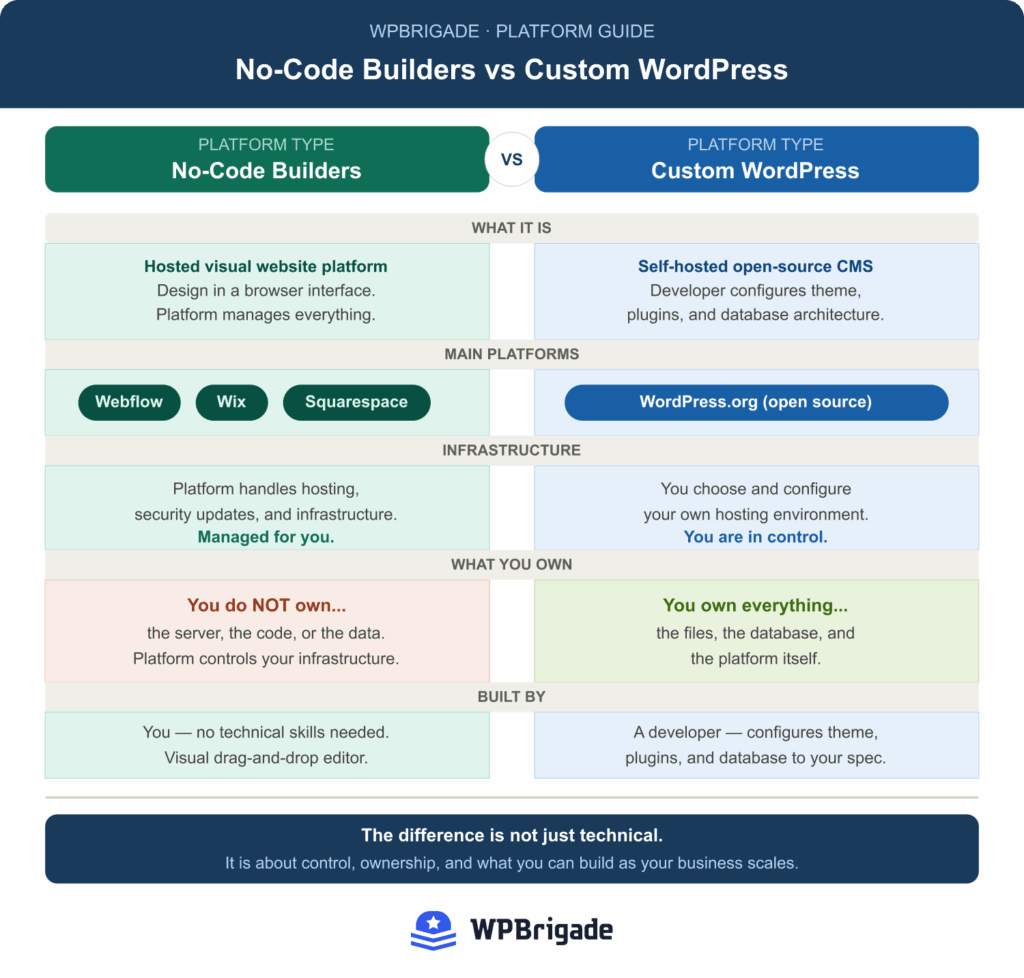
Stay on no-code if your business is early-stage, your site is simple, and your monthly tool cost is under $100. Move to custom WordPress if you have hit two or more of the signals above, or if your growth depends on functionality and SEO depth that no-code tools cannot provide.
Stay on No-Code If…
- You are pre-revenue or early-stage, and speed to market matters more than customization
- Your site’s core job is a landing page, portfolio, or simple lead generation
- You have no developer on the team and no plans to hire one
- Your current monthly tool cost is under $100/month
- You are not yet running meaningful SEO campaigns
Move to Custom WordPress If…
- You have hit at least 2 of the 5 signals listed above
- You are spending more on no-code tools annually than a custom WordPress build would cost as a one-time investment
- Your business depends on custom functionality that no-code tools cannot deliver natively
- You need full data ownership for compliance or client trust
- You have content at scale (100 or more pages) and SEO is a primary growth channel
When should you switch to custom WordPress?
You should switch when your no-code stack requires multiple third-party tools, your SEO needs exceed platform capabilities, or your monthly costs approach or exceed custom build costs.
What Migrating from No-Code to Custom WordPress Actually Involves
If you plan to migrate from no-code to custom WordPress, follow these five steps: audit your current stack, define the WordPress architecture, migrate content, rebuild integrations natively, and launch with zero downtime.
Step 1: Audit Your Current Stack
Document what your no-code site does, which third-party tools it uses, and what custom functionality you actually need. This shapes the WordPress build scope and prevents rebuilding things you do not need.
Step 2: Define the WordPress Architecture
Decide whether to use a custom theme or a block-based approach. Map which plugins replace which current tools. Structure the CMS. This planning stage determines the quality of the build.
Step 3: Migrate Content
Move pages, blog posts, images, and SEO metadata. Maintaining the existing URL structure is critical for protecting search rankings during the transition.
Step 4: Rebuild Integrations Natively
Replace Zapier workflows with direct plugin integrations. Replace standalone form tools with a native WordPress form plugin suited to your requirements.
Step 5: QA, Redirects, and Launch
Test on staging, set up 301 redirects for any changed URLs, verify GA4 tracking is intact, and launch with zero downtime. This step protects both user experience and search rankings.
This is a big part of what we do at WPBrigade. We handle custom WordPress builds and migrations off no-code platforms, from architecture through launch and post-launch support, and we’ve helped 40+ founders move off Webflow, Wix and Squarespace.
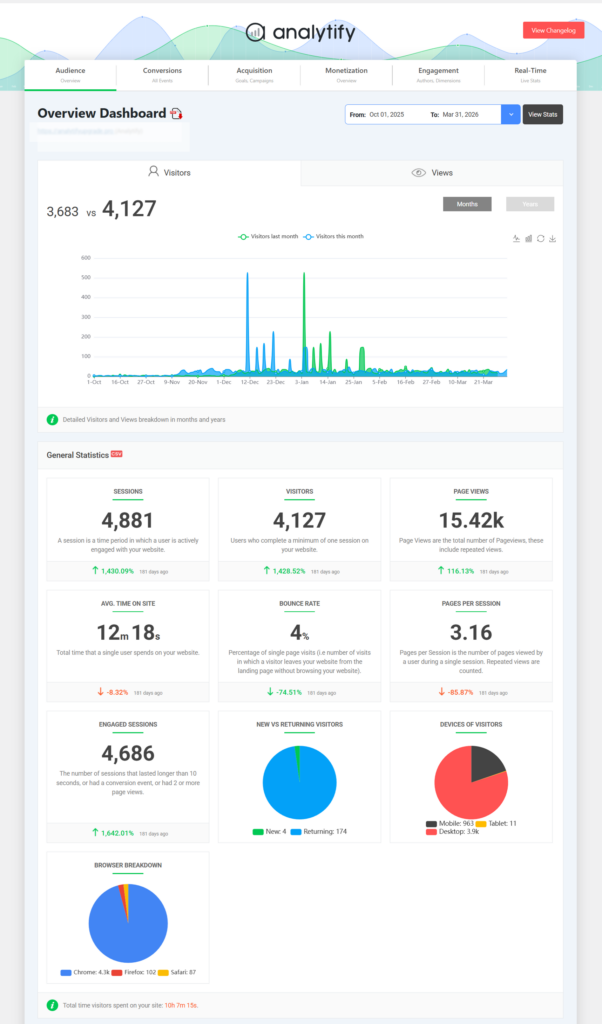
Once your WordPress site is live, Analytify connects GA4 directly to your WordPress dashboard so you can track performance without logging into Google Analytics.
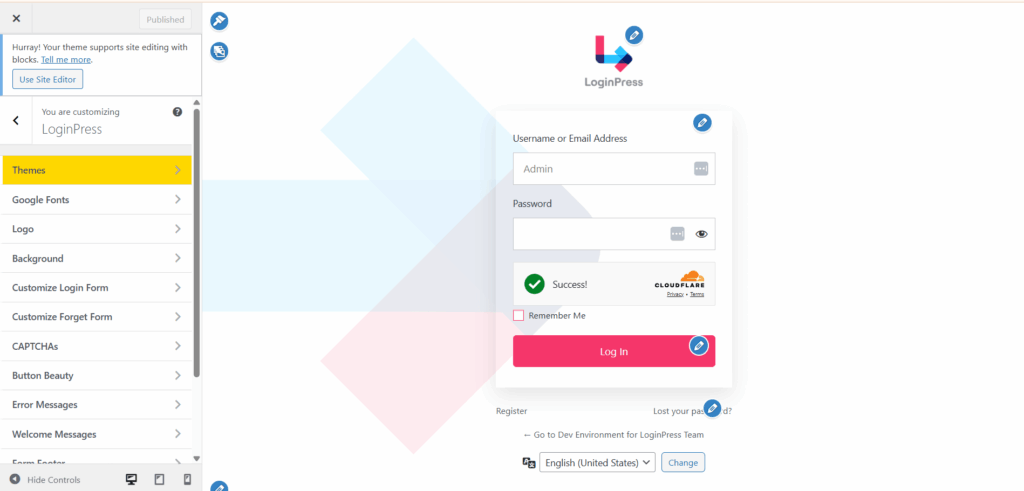
And if your site has a member login, LoginPress lets you brand that login page to match your site in minutes.
Frequently Asked Questions
Custom WordPress and No-Code Builders: Final Thoughts
Choosing between custom WordPress vs no-code comes down to where your business is today and what it needs next. No-code tools are a good fit when speed, simplicity, and low upfront cost matter most. They help you launch quickly and validate ideas without relying on developers.
As your business grows, the same advantages start to turn into limitations. You begin to need custom functionality, stronger SEO control, and a more reliable long-term cost structure. That is usually the point where no-code stops being enough.
If you recognize two or more of the five signals in this guide, it is a strong sign that your current setup is holding you back. This is where many teams decide to migrate from no-code to custom WordPress to simplify their stack, reduce dependency on multiple tools, and build features that actually match their requirements.
If you are still early-stage, staying on no-code is the right move. If you are scaling, custom WordPress becomes the more practical foundation for growth.
The next step is to review your current tools, calculate what you are really spending each month, and compare that with what you actually need over the next year. If your platform cannot support that direction, it is time to rethink it.
If you want a clear path forward, WPBrigade can help you plan and execute a structured move to custom WordPress while protecting your SEO, performance, and data. To compare a wider set of platforms, see my best CMS platforms guide.
Contact WPBrigade to discuss your custom WordPress build
Leave a Reply