-
 Last updated on October 13th, 2026 by Muhammad Adnan
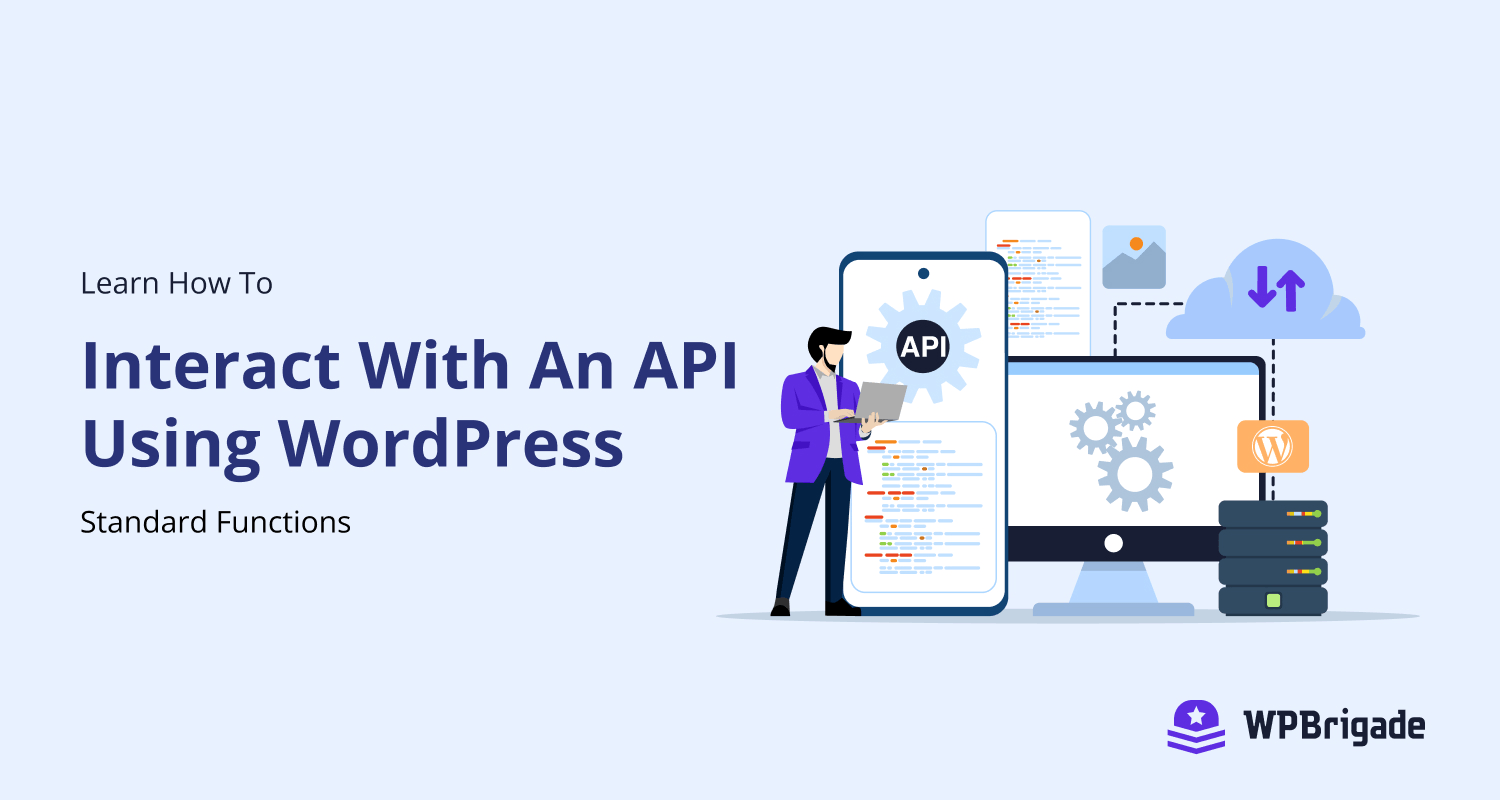
Learn How To Interact With An API Using WordPress Standard Functions
To interact with APIs is a very common thing in Web Development, WordPress gives us the utility functions to interact with APIs. As you know to interact with an API requires good knowledge of cURL and many other things, WordPress takes this responsibility and wrap the inner stories into utility functions for you. “wp_remote_get“ is the function that gets the data for you from an API. All you have to do is just put the endpoint as an argument and voila! It’s magic. This function basically takes two arguments 1. $url – Resource to retrieve data from. This must be in a…
-
 Last updated on August 29th, 2026 by Muhammad Adnan
What is HTTPS and How to Setup HTTPS in WordPress Site?
One of the most important features is to ensure that your WordPress website is secure and safe for those users who want to exchange their important information on your website while shopping or doing other stuff. Setting up your WordPress website to force the use of the most secure transaction system is not that difficult to implement, but it needs a lot of decision-making to enforce a secure transaction process for the user. You would have seen on some websites, their URLs starting with “HTTPS” like Facebook, Google, and many others. An “HTTPS” enabled website adds a security layer to the…
-
 Last updated on October 17th, 2026 by Muhammad Adnan
What is a Cron Job and How to Implement it in WordPress?
What is a cron? A cron was first used in UNIX operating system to execute specific commands automatically on a specific time instead of executing them manually. In simple words “a cron is a time-based scheduler“. What is a WordPress Cron? A WordPress cron refers to “pseudo-cron system”, WordPres cron job is a scheduled job that runs on a given time automatically. Limitation of WordPress Cron: WordPress cron will only run if any user visits your WordPress website’s page/post. Then WordPress will check for any available crons and execute them. There are two types of crons in WordPress: A cron job may be of any type.…
-
 Last updated on August 29th, 2026 by Muhammad Adnan
Create a forum on WordPress without PHP Scripts
WordPress is known as the easiest way to build your own website, with low cost or even free if you use their service. However, it’s also very powerful, with plugins and themes developed daily, so you can do almost anything with it, such as creating a forum on WordPress.
-
 Last updated on August 29th, 2026 by Muhammad Adnan
What is a WordPress Plugin and How to Develop it?
WordPress is a flexible platform which provides developer to add extra functionality without changing the core of WordPress. To enhance the functionality of WordPress we need to write custom plugins. WordPress Plugins are just like add-ons, which uses the core functionality of WordPress and add custom functionality into it. In this article, we will look at what are WordPress plugins and how we can create one. What is a Plugin in WordPress? A plugin is a piece of custom code that extends the functionality of WordPress which already exists. It could be a single line of code or a bunch…
