
WPBrigade Blog
Latest WordPress Tutorials, Lists and Resources
-
 Last updated on October 17th, 2026 by Muhammad Adnan
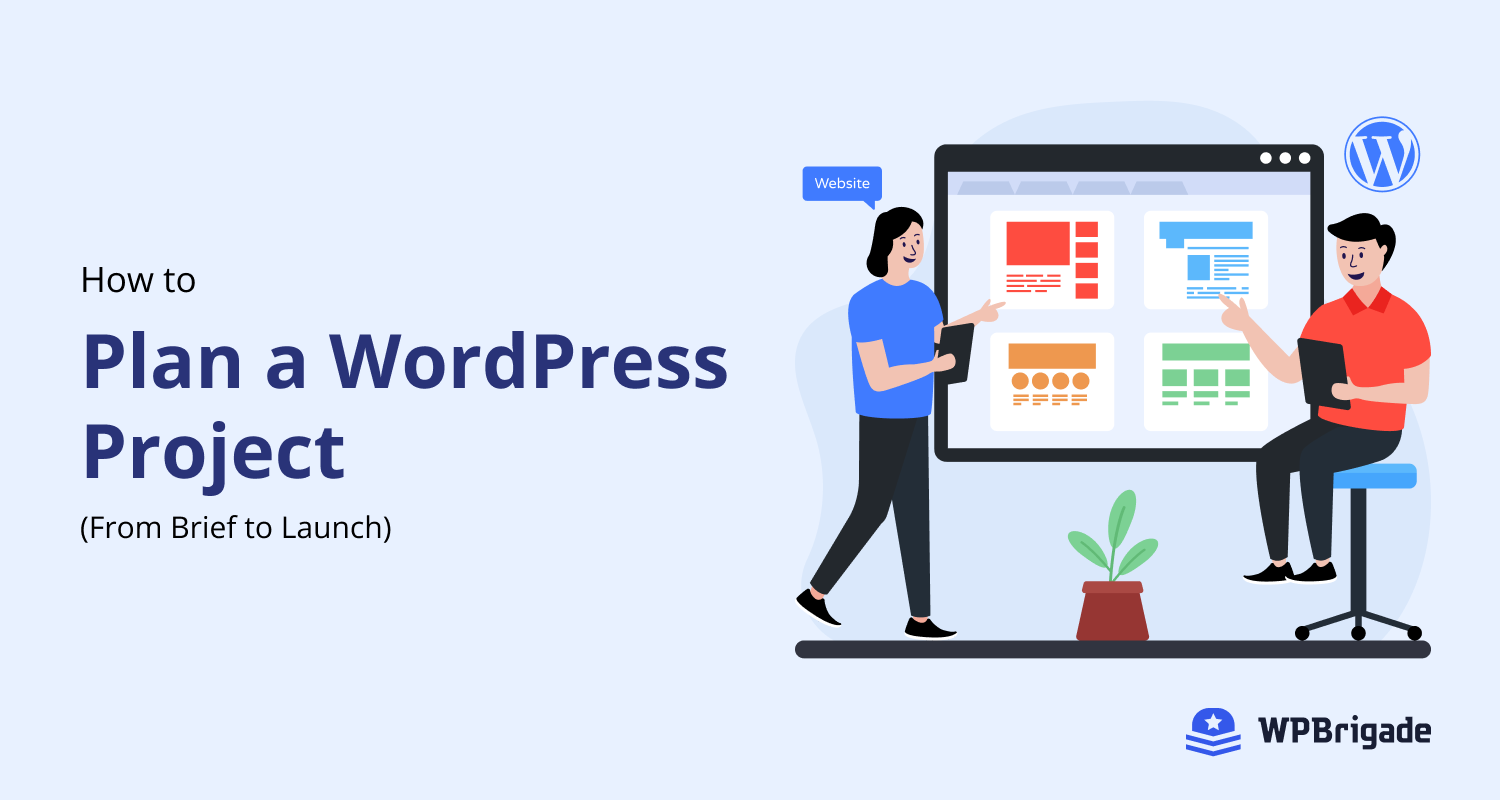
WordPress Project Planning Explained (From Brief to Launch)
WordPress project planning has eight steps: brief, scope, design, development, content and SEO, testing, launch and maintenance. Planning each step up front prevents late launches, scope creep and budget overruns. Most WordPress projects don’t fail because of coding mistakes. They fail because planning was rushed or skipped. Sites launch late, features change mid-build, budgets expand, and teams struggle to define what “done” actually looks like. If you’ve ever rebuilt a WordPress site twice in a year or inherited a messy project, you’ve seen the cost of unclear planning firsthand. That’s why it pays to approach WordPress project planning methodically. In…
-
 Last updated on October 17th, 2026 by Muhammad Adnan
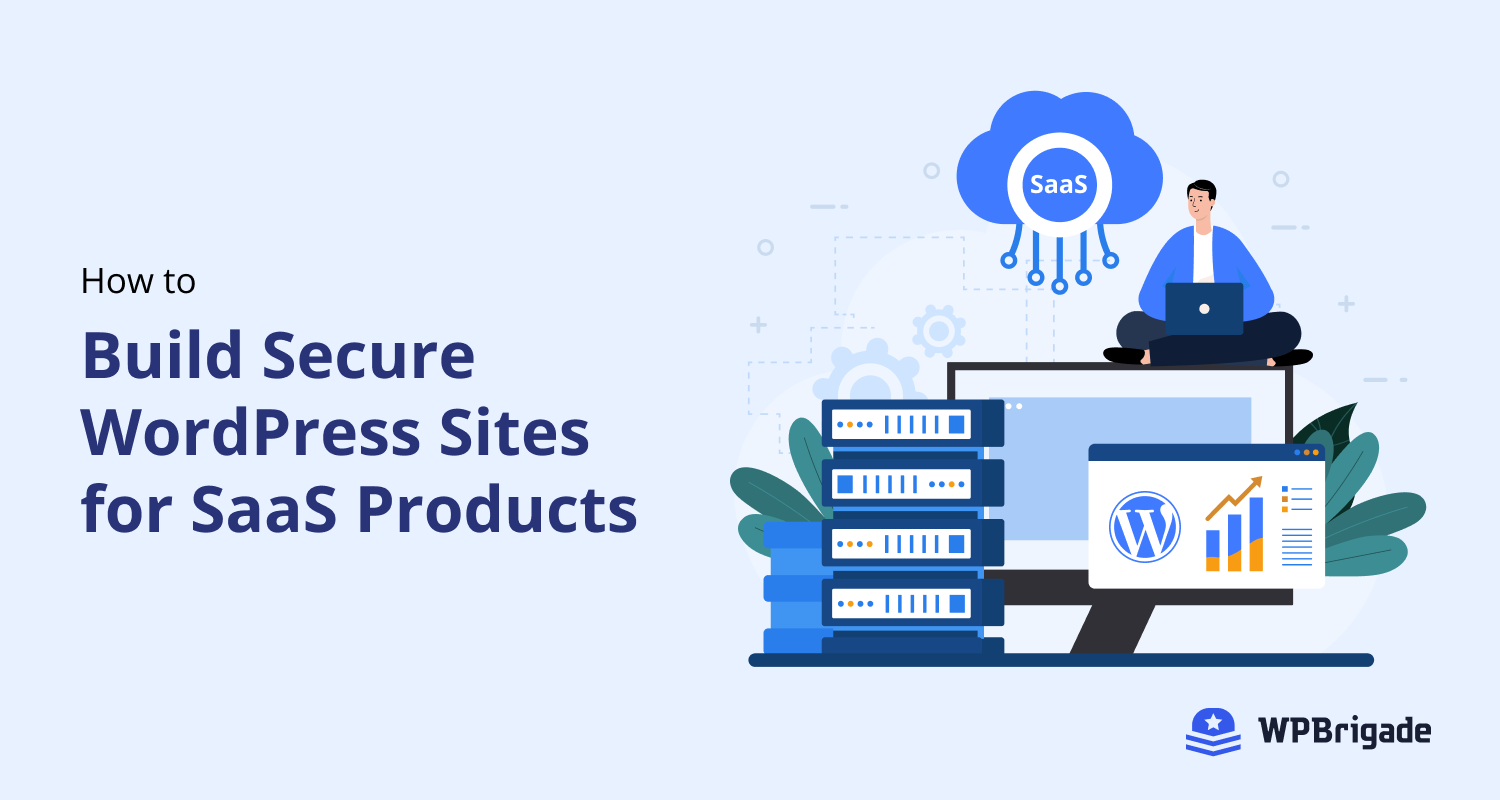
How to Build Secure WordPress Sites for SaaS Products (Explained)
WordPress works well for SaaS marketing sites, member portals and subscription products when it is built with secure logins, clear user roles and revenue-focused analytics. SaaS products need more than a good idea. They need a platform that is secure, scalable, and easy to grow. This is why many teams choose WordPress for SaaS when they want flexibility without long development cycles. WordPress supports SaaS landing pages, user registrations, subscription tiers, and custom dashboards. It also integrates easily with payment gateways, CRMs, and other SaaS tools. However, SaaS WordPress projects come with real challenges. Login security is a common risk.…
-
 Last updated on October 5th, 2026 by Muhammad Adnan
How to Become an AI-First Company in 2026?
An AI-first company puts artificial intelligence at the center of its strategy, products and daily decisions, not just in a few tools. It uses data and AI to automate routine work, personalize the customer journey and decide faster. In 2026, being AI-first isn’t optional; it’s a major competitive advantage that separates market leaders from laggards. Becoming an AI-first company means more than adding a few AI tools. It’s a mindset shift: using data and machine intelligence to inform product design, automate repetitive work, personalize customer journeys, and speed up decision-making across the business. Whether you call it AI-first company, AI-first…
-
 Last updated on October 5th, 2026 by Muhammad Adnan
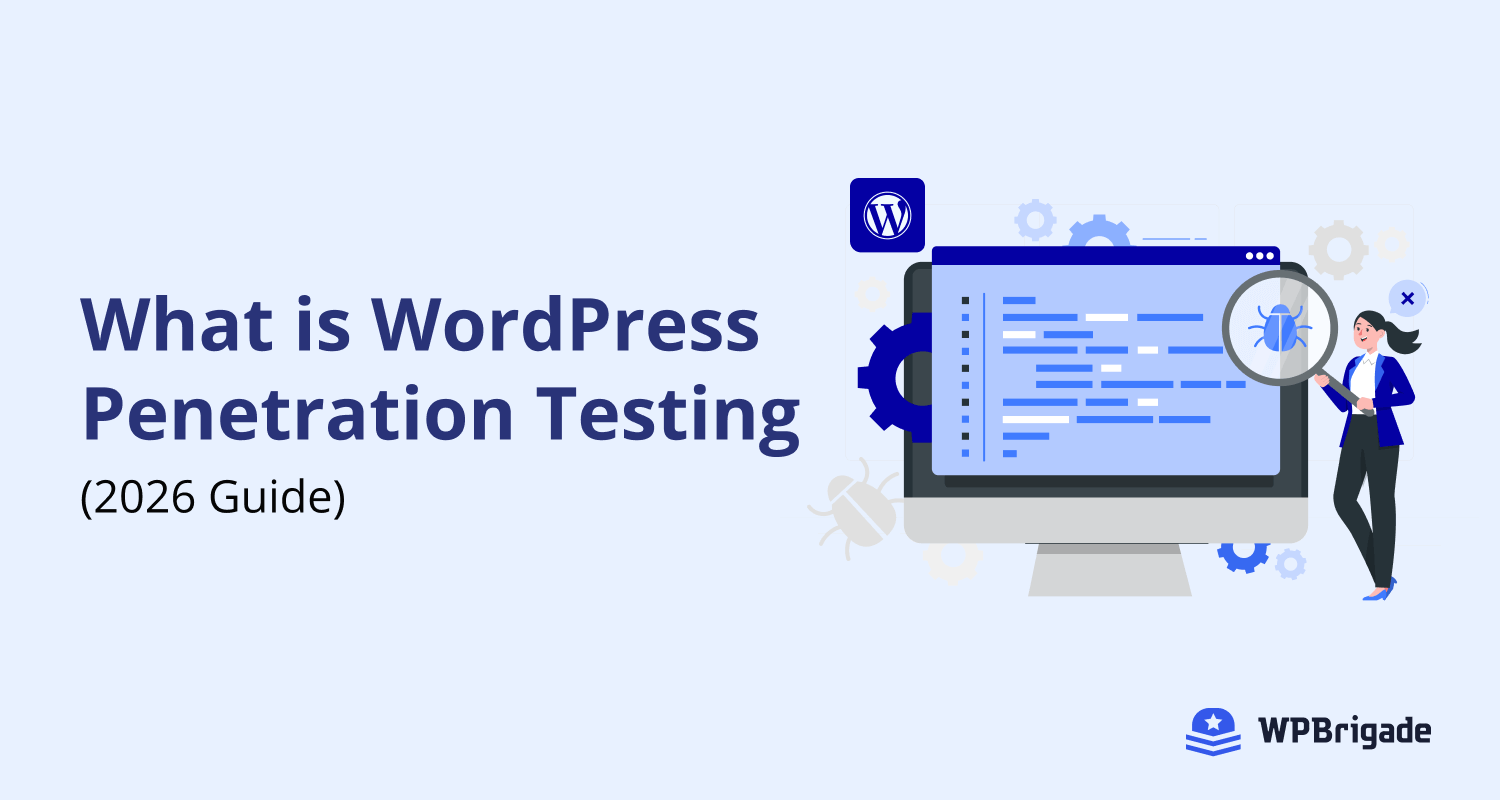
What is WordPress Penetration Testing? (The 2026 Guide)
WordPress penetration testing is a controlled, authorized attack on your own site to find security holes before real attackers do. WordPress is a prime target because of its popularity, so test after launch and after major changes. While the core software is secure, the real vulnerabilities often lie in the themes, plugins, and server configurations that site owners add and set up. These can create hidden openings for attackers to exploit. Penetration testing is a controlled, ethical hacking process designed to find and fix critical security flaws.
-
 Last updated on October 5th, 2026 by Muhammad Adnan
How to Install WordPress SSL Certificate (2026)
To install an SSL certificate in WordPress, get a free Let’s Encrypt or paid certificate from your host, activate it, then force WordPress to load over HTTPS. A WordPress SSL certificate encrypts data passing through your WordPress site and to visitors. This certificate is the reason http:// turns into https://. In 2026, SSL is non-negotiable. Here are some strong reasons why: Below, I cover installing an SSL certificate on WordPress and fixing the errors you’re most likely to hit along the way.