
WordPress penetration testing is a controlled, authorized attack on your own site to find security holes before real attackers do. WordPress is a prime target because of its popularity, so test after launch and after major changes.
While the core software is secure, the real vulnerabilities often lie in the themes, plugins, and server configurations that site owners add and set up. These can create hidden openings for attackers to exploit. Penetration testing is a controlled, ethical hacking process designed to find and fix critical security flaws.
WordPress Penetration Testing (TOC):
- What is WordPress Penetration Testing?
- Why Penetration Testing is Non-Negotiable for WordPress Sites
- How WP Penetration Testing Works: A Step-by-Step Guide
- Essential Tools for WP Penetration Testing
- Common WordPress Vulnerabilities Uncovered by Testing
- Enhance Your WordPress Login Security with LoginPress
- Legal and Ethical Considerations
- WordPress Penetration Testing FAQs
- Final Thoughts on WordPress Penetration Testing
Here are the six steps of a WordPress penetration test at a glance.
| Step | What Happens | Output |
|---|---|---|
| 1. Planning and scoping | Agree on targets, rules and written permission | Signed test scope |
| 2. Information gathering | Map themes, plugins, users and server details | Attack surface list |
| 3. Vulnerability analysis | Scan for known flaws and weak settings | List of possible weaknesses |
| 4. Exploitation | Safely try to use the weaknesses | Confirmed vulnerabilities |
| 5. Post-exploitation | Check how far an attacker could go | Impact assessment |
| 6. Reporting | Document findings and fixes | Prioritized fix plan |
What is WordPress Penetration Testing?
WordPress penetration testing is a controlled security assessment that simulates real-world cyberattacks on a WordPress site. The core function of this process is to proactively uncover vulnerabilities that malicious actors could exploit.
This testing goes beyond a simple scan. It manually examines critical areas like:
- Core WordPress Files: Checking for outdated versions or misconfigurations.
- Themes and Plugins: Testing the most common vectors for attacks.
- Server Configuration: Identifying weaknesses in your web host environment.
- Authentication Systems: Stress-testing login pages and user permissions.
The ultimate goal of penetration testing is to find security gaps before a hacker can, allowing you to fix them and build a strong defense.
Why Penetration Testing is Non-Negotiable for WordPress Sites
Penetration testing is non-negotiable for WordPress sites because one breach can cause data theft, SEO spam, ransomware and reputational damage.
According to statistics, “While about a third of all vulnerabilities would require access to an admin account (reducing the risk of exploitation), 22% of disclosed vulnerabilities would require absolutely no authentication or just a subscriber-level account.”
Penetration testing in WordPress directly addresses the most common security failures:
- Outdated Plugins/Themes: A primary entry point for attacks.
- Weak User Passwords: Easy access for brute force attacks.
- Misconfigured Settings: Unintentionally leaving doors open.
- Zero-Day Vulnerabilities: Flaws in code that aren’t yet publicly known.
Regular WordPress security testing helps you identify and mitigate these risks. It transforms your security posture from reactive to proactive, ensuring compliance and protecting your visitors’ trust.
How WP Penetration Testing Works: A Step-by-Step Guide
WordPress penetration testing follows six steps: planning, information gathering, vulnerability analysis, exploitation, post-exploitation and reporting.
Step 1: Planning and Scoping
The first phase involves defining the rules of engagement. Testers work with the site owner to determine what parts of the website will be tested (e.g., only the main site, subdomains too, or specific plugins). Setting these boundaries ensures the test is legal and doesn’t disrupt live operations.
Step 2: Information Gathering
In this phase, testers act like detectives to collect intelligence. They use tools to map the site’s structure, identify installed themes and plugins, and determine the version of WordPress running. This data helps them plan the most effective attack vectors.
Step 3: Vulnerability Analysis
Armed with information, testers now use automated scanners and manual review to pinpoint possible weaknesses. They look for known exposures in the identified software and misconfigurations in the server or application.
Step 4: Exploitation
This is the “attack” simulation. Testers attempt to actively exploit the vulnerabilities found, such as trying to gain unauthorized access to the admin panel or inject malicious code. The goal is to see how deep a breach could go.
Step 5: Post-Exploitation and Analysis
What could an attacker do once they’re in? This step assesses the impact of a successful breach. Testers determine what data could be stolen and whether an attacker could deface the site or reach the server itself.
Step 6: Reporting
The final deliverable is a comprehensive report. It details every vulnerability found, ranks them by severity (Critical, High, Medium, Low), provides proof of exploitation, and offers actionable steps to fix each issue.
Essential Tools for WP Penetration Testing
The essential WordPress penetration testing tools are WPScan, Burp Suite and Nmap.
1. WPScan
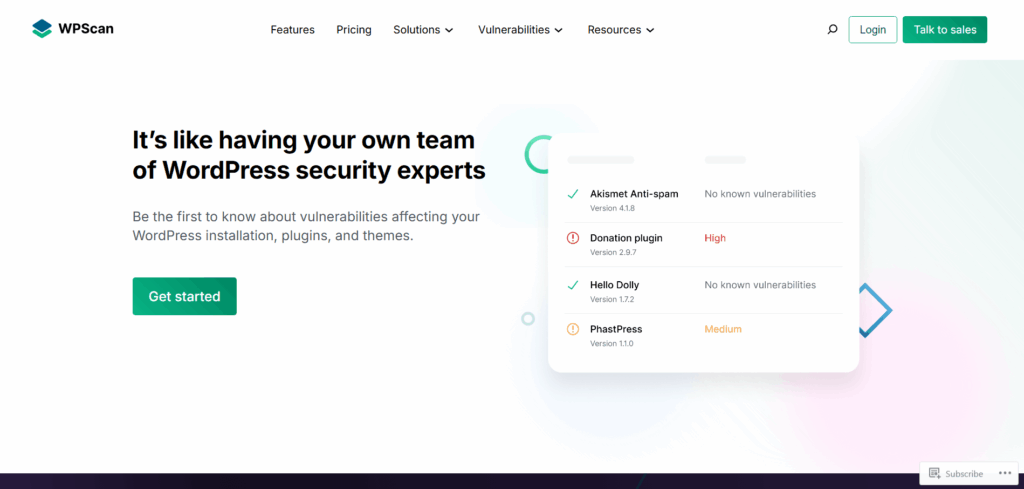
A dedicated WordPress vulnerability scanner that checks your core, themes, and plugins against a vast database of known security issues.
2. Burp Suite
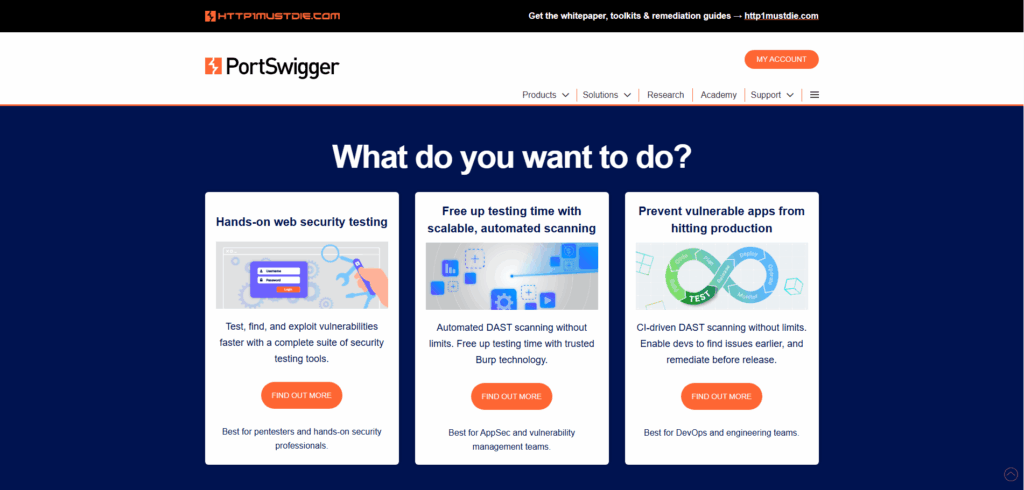
The industry-standard web application security tool used to intercept, analyze, and manipulate web traffic to find complex flaws.
3. Nmap
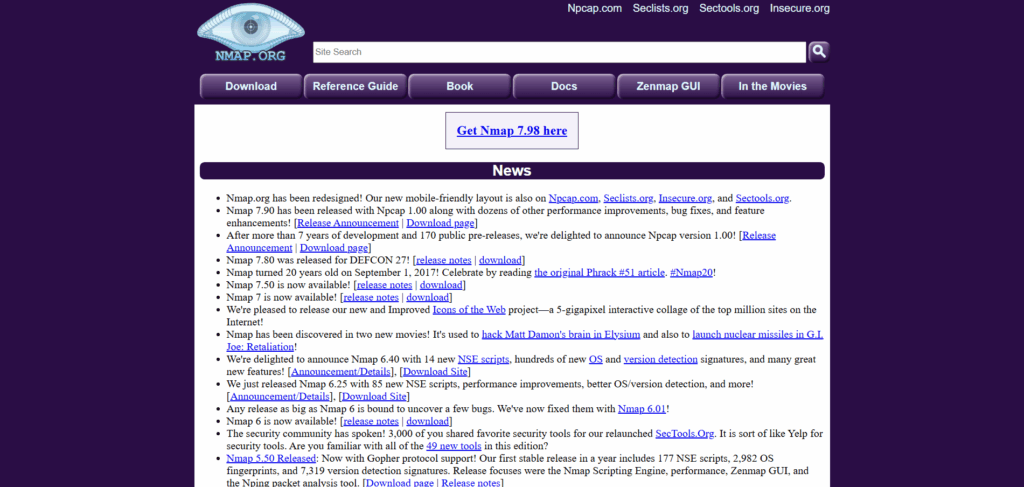
A network discovery and security auditing tool used to scan the server hosting the WordPress site for open ports and running services.
Common WordPress Vulnerabilities Uncovered by Testing
The most common WordPress vulnerabilities found in testing are SQL injection, cross-site scripting, CSRF, broken access control and security misconfigurations.
- SQL Injection (SQLi): This vulnerability allows attackers to run malicious SQL queries through input fields (like search forms). This can give them access to read, modify, or delete your database information.
- Cross-Site Scripting (XSS): XSS flaws let attackers inject malicious client-side scripts into web pages viewed by other users. This can hijack user sessions or redirect them to malicious sites.
- Cross-Site Request Forgery (CSRF): A CSRF attack tricks a logged-in user into submitting a malicious request without their knowledge, potentially changing passwords or deleting content.
- Broken Access Control: This occurs when user permissions are misconfigured, allowing lower-level users (like subscribers) to access administrative functions they shouldn’t.
- Security Misconfigurations: This broad category includes outdated software, exposed debug files, and default settings that were never secured.
Enhance Your WordPress Login Security with LoginPress
LoginPress protects the WordPress login page, the most attacked part of most sites, between penetration tests. Penetration testing is important for identifying vulnerabilities, but it cannot stop an active, ongoing attack. Your WordPress login page is the number one target for these threats.
It is constantly bombarded by brute force attacks and malicious bots trying to steal access. Without real-time defense, you are at risk of being locked out of your own site.
For complete security, you need both proactive testing and live protection. A secure login page that actively monitors and blocks malicious activity in real time is essential to keep attackers out.
LoginPress is a WordPress plugin designed to secure and customize your login experience, providing better protection against brute-force attacks.
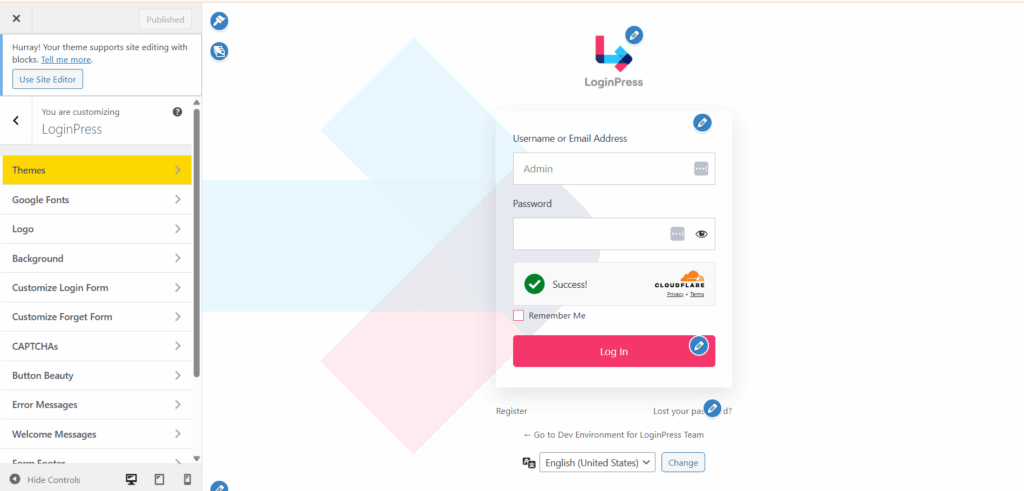
- Custom Login Pages: LoginPress allows you to customize your login screen completely. This doesn’t just make it branded; it can help obscure the default WordPress login URL, making it harder for bots to find and attack.
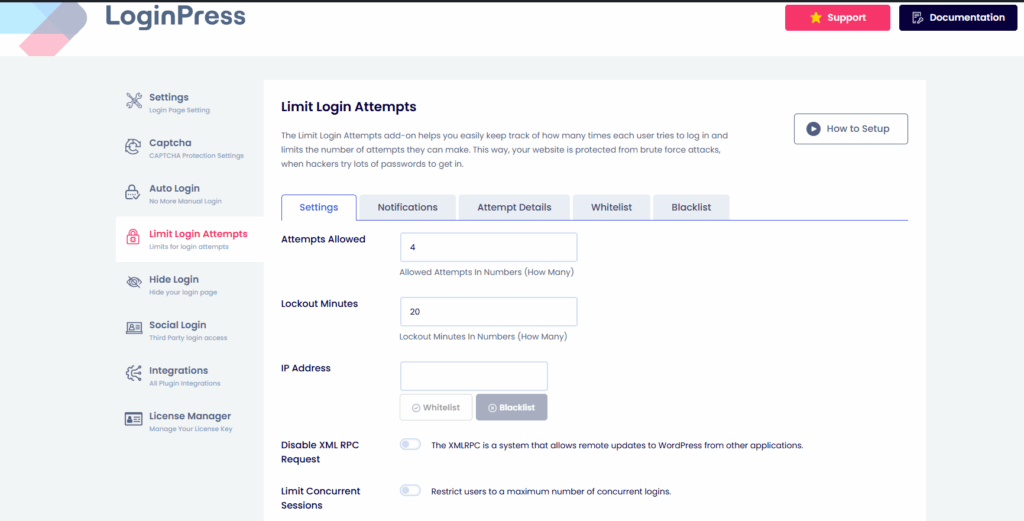
- Limit Login Attempts: A core security feature to block IP addresses after a certain number of failed login attempts, neutralizing brute force attacks.
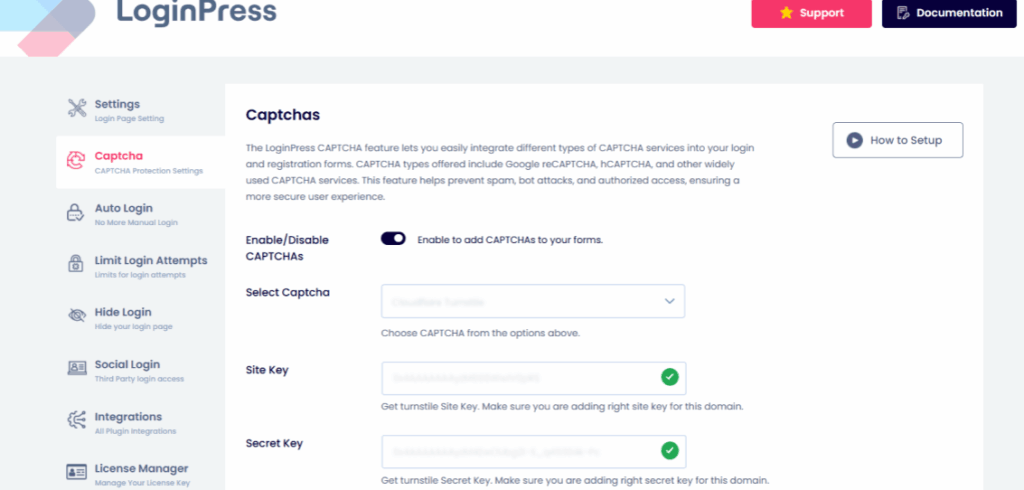
- reCAPTCHA Integration: LoginPress smoothly integrates with Two-Factor Authentication (2FA) and Google reCAPTCHA, adding critical layers of verification to prevent unauthorized access.
LoginPress also offers a wide range of add-ons that improve both the look of your login page and its security.
Legal and Ethical Considerations
Authorization is everything. Never conduct penetration testing on a website you do not explicitly own or have written permission to test. Unauthorized testing is illegal and considered hacking.
You should always define and strictly adhere to the agreed-upon scope with the website owner. Testing outside the agreed boundaries can cause unintended damage and legal repercussions.
WordPress Penetration Testing FAQs
The primary goal of WordPress penetration testing is to proactively identify and help fix security vulnerabilities in a WordPress site by simulating real-world attacks. This process helps prevent actual data breaches before malicious actors can cause harm. In simpler terms, think of it as hiring a professional locksmith to try and break into your house using every trick a burglar might use.
You should perform a full penetration test at least once per year. This annual check-up ensures that any new, overarching vulnerabilities are caught.
However, you should also consider testing after any significant change to your website’s ecosystem.
This depends entirely on your resources, expertise, and the criticality of your website.
For Basic DIY Security (For Bloggers & Small Sites): You can perform basic vulnerability scanning yourself using tools like WPScan or Wordfence.
For Comprehensive Testing (For E-commerce, Business, & High-Traffic Sites): You should absolutely hire a certified professional.
The cost of a professional WordPress security testing engagement varies widely based on several factors, such as:
1. Size and Complexity of the Website: A simple blog will cost less than a large e-commerce site with thousands of products and custom features.
2. Scope of the Test: Testing just the main site is less expensive than including subdomains and APIs.
Therefore, it’s best to get quotes from several reputable providers, ensuring they understand WordPress-specific vulnerabilities.
Final Thoughts on WordPress Penetration Testing
WordPress penetration testing is not an expense; it’s a critical investment in your website’s integrity and your users’ trust. It moves you from hoping you’re secure to knowing you are.
By understanding the process, using the right tools, and addressing common vulnerabilities, you build a strong defense for your site.
Don’t wait for a breach to expose your weaknesses. Take proactive control of your WordPress security today.
For more WordPress-related articles:
- How to Install WordPress SSL Certificate
- How Long Does it Take to Learn WordPress
- How to Find and Access WordPress Error Logs
Conduct a penetration test today and let us know how much it helped you secure your site.



Leave a Reply