
WPBrigade Blog
Latest WordPress Tutorials, Lists and Resources
-
 Last updated on August 29th, 2026 by Editorial Team
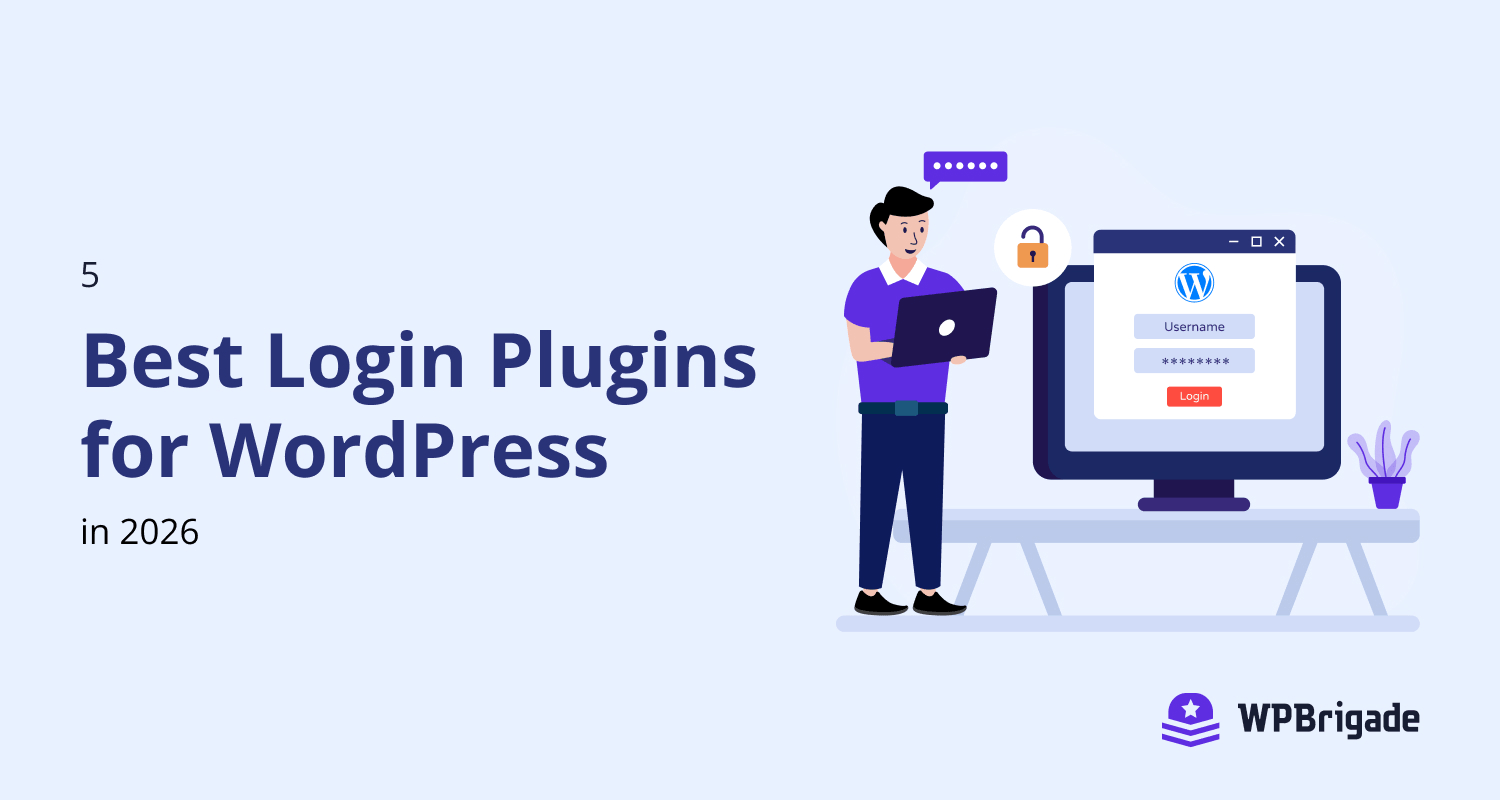
5 Best Login Plugins for WordPress in 2021
Why do we select a WordPress Paid theme for our website? Because we don’t want our website to look like other WordPress Websites. We want our website to be unique in terms of design and functionality. If that’s the case with Website themes, why not with the login page of our website? Using a customized login page for our websites is one of the primary requirements for a unique user experience. This type of Login page customization will enhance our brand identity, a key to success for any business. Here, we are going to discuss the 5 best login plugins…
-
 Last updated on August 29th, 2026 by Muhammad Adnan
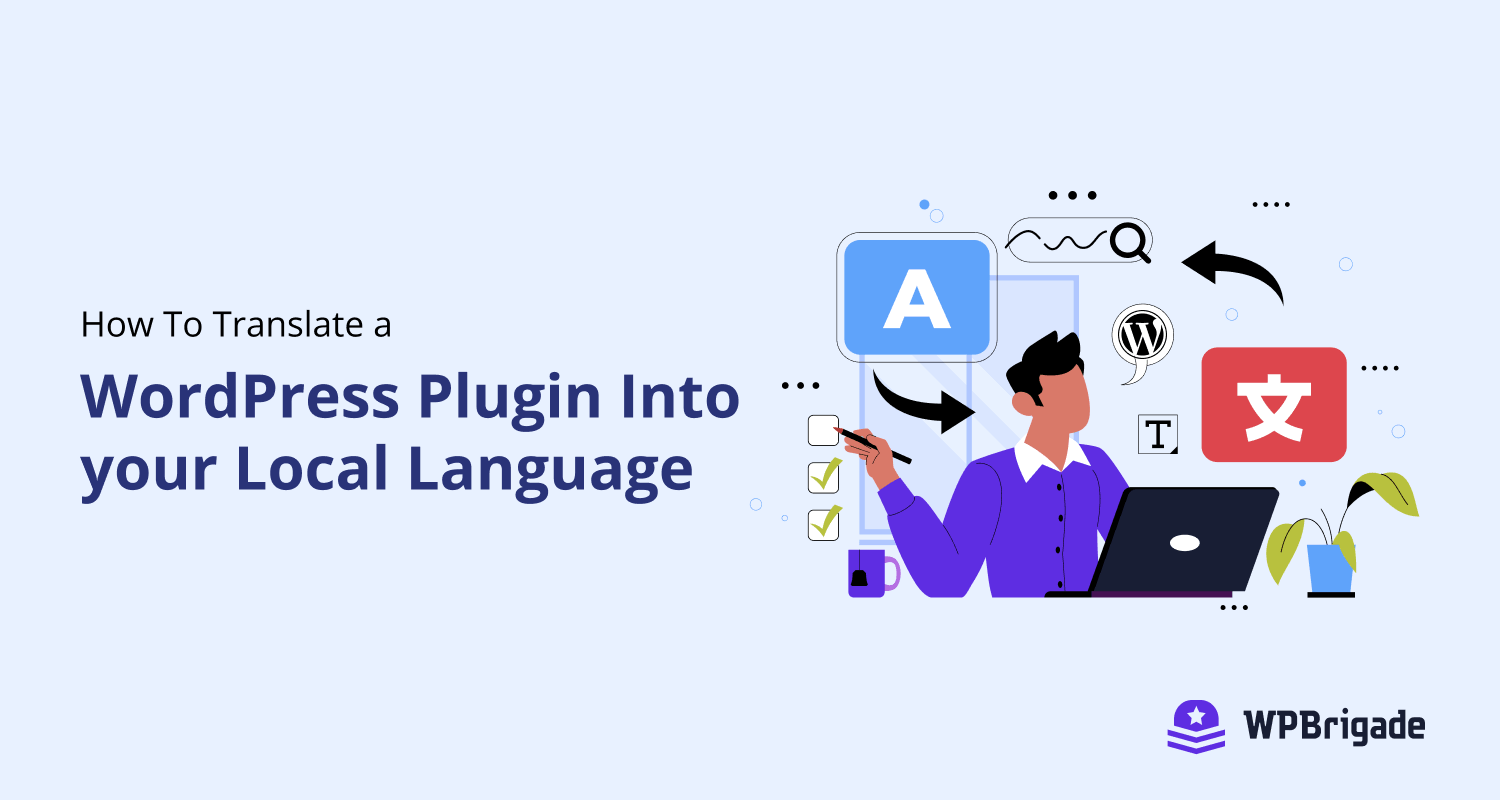
How To Translate a WordPress Plugin Into your Local Language
As you already know that WordPress is an open-source platform and it is translated into many languages by different contributors. Most plugins are already translated into different languages. But if you find a plugin that is not already translated into your local language, you can translate that plugin yourself. You don’t need to be technical in order to translate a WordPress plugin into your own language.
-
 Last updated on August 29th, 2026 by Muhammad Adnan
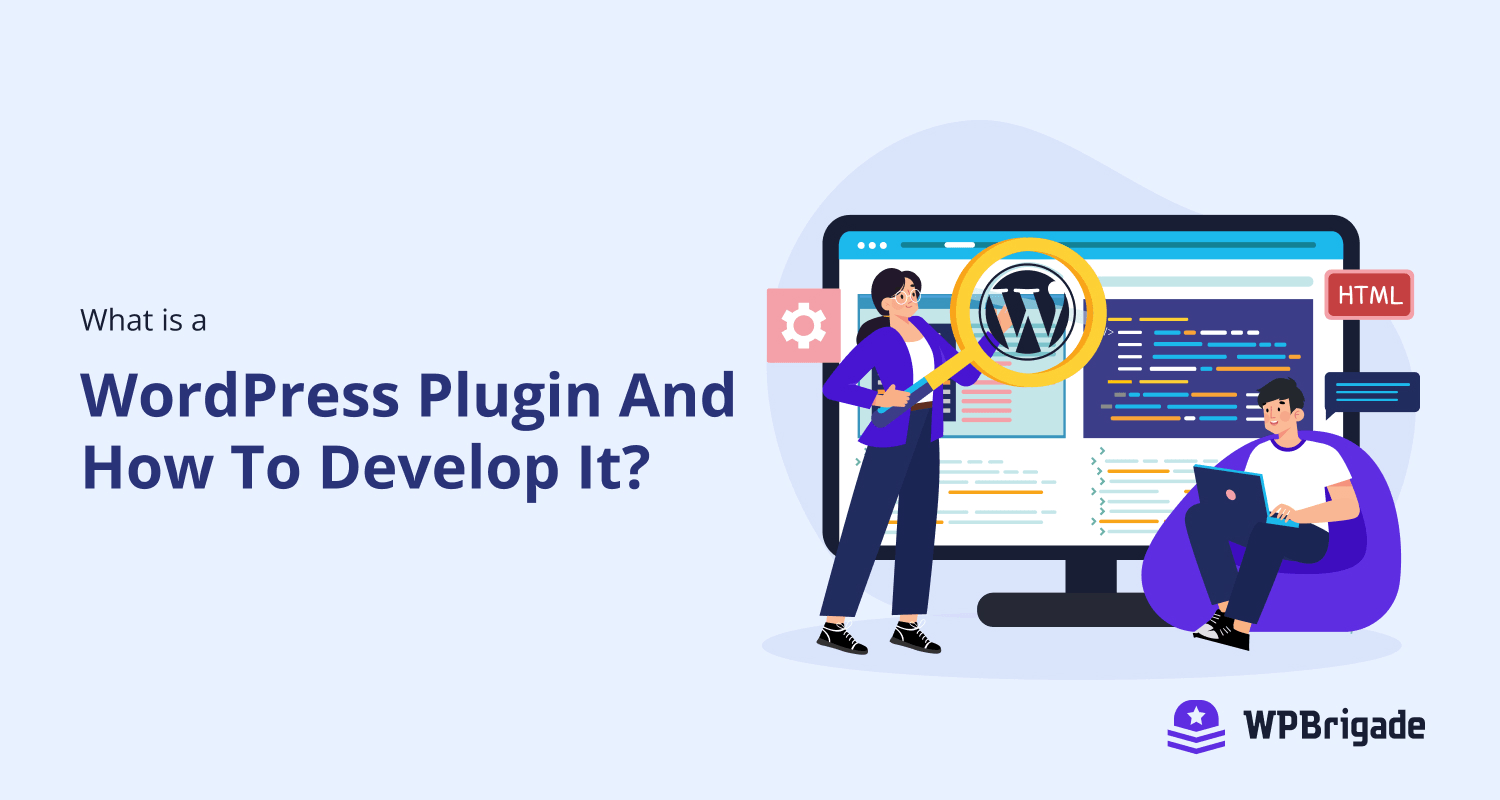
What is a WordPress Plugin and How to Develop it?
WordPress is a flexible platform which provides developer to add extra functionality without changing the core of WordPress. To enhance the functionality of WordPress we need to write custom plugins. WordPress Plugins are just like add-ons, which uses the core functionality of WordPress and add custom functionality into it. In this article, we will look at what are WordPress plugins and how we can create one. What is a Plugin in WordPress? A plugin is a piece of custom code that extends the functionality of WordPress which already exists. It could be a single line of code or a bunch…
-
 Last updated on August 29th, 2026 by Muhammad Adnan
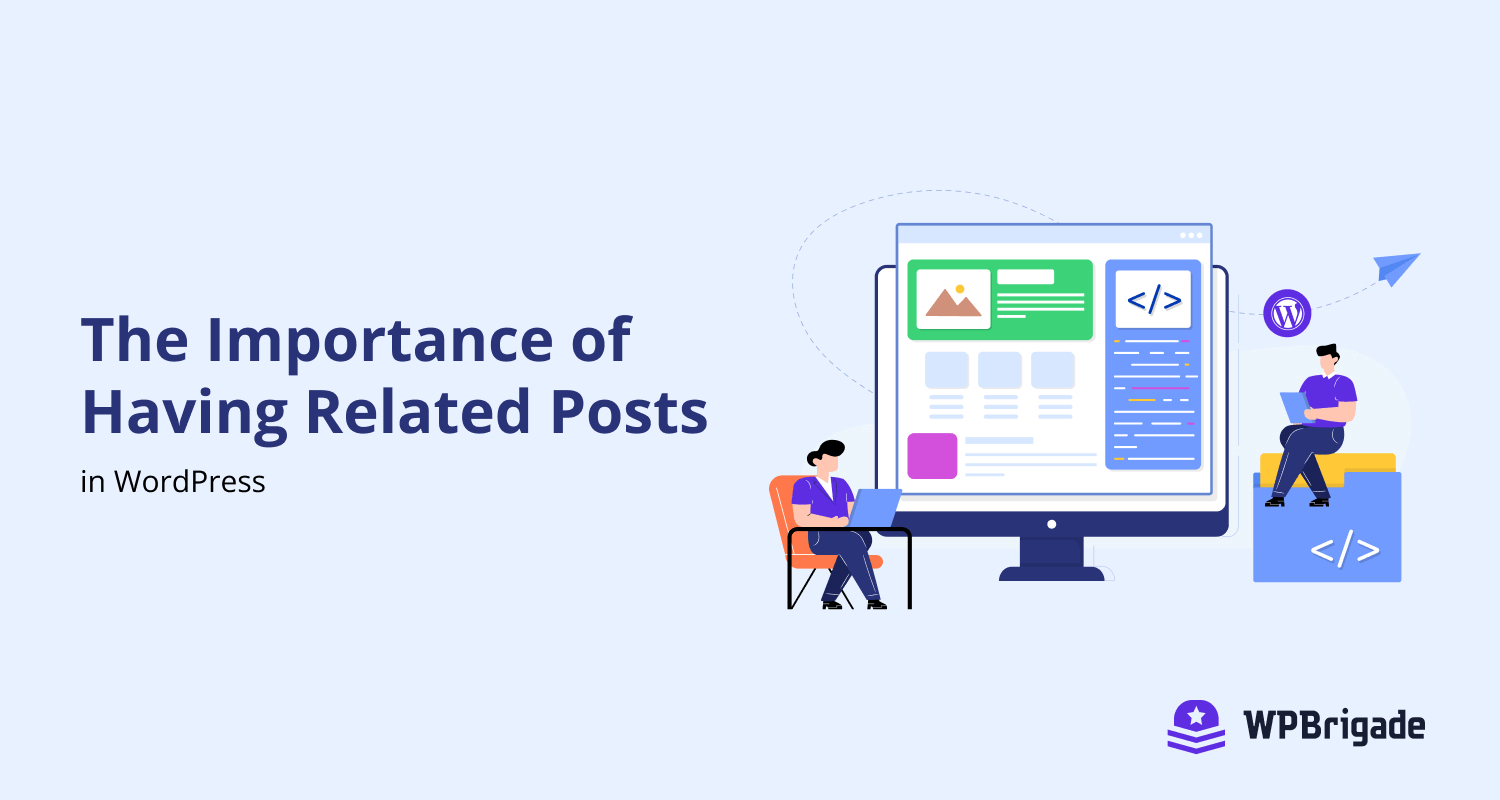
The Importance of Having Related Posts in WordPress
Often you visit a website and at the end of the article there is a list of related posts or sometimes you can already see it right on top of the page & also the bottom too. Its purpose is to help you explore more contents on that website instead of leaving after reading just the first post. See! that could be a great strategy everyone should use right now if you haven’t done so. But that’s not it, we still have more for you. And if you are all set to boom the traffic at your website, without having…
-
 Last updated on August 29th, 2026 by Muhammad Adnan
Which WordPress Plugins are Slowing Down your Website?
Have you ever heard of the term “Less is More”? This is one of my favorite terms that I always applied to web designing and my own blog, especially when it’s running on the WordPress platform. The reason behind that is having only one or two main plugins will help my website run way faster without doing optimization. Before building a website, it must be a priority that it has to be fast loading and not cracking up on different devices. In order to do this, it must be noted that the major reason slowing down a WordPress website are…