
WordPress is the most widely used CMS, running 40.2% of all websites (W3Techs, October 2026). Its themes, plugins and regular updates make it easy for users to manage their sites.
WordPress releases updates every two to three months, adding enhancements and new features users can apply to their sites.
WordPress 6.4 was released on November 7, 2023. It introduced the Twenty Twenty-Four theme, better font management, an image lightbox, writing improvements, new design tools, Block Hooks and performance gains. For the newest release, read everything new in WordPress 7.0.
In this post, we will look at the new features in WordPress 6.4.
Table of contents
Here are the seven main WordPress 6.4 changes.
| Feature | What It Does |
|---|---|
| Twenty Twenty-Four theme | New default block theme |
| Font management | Easier control over site fonts |
| Image lightbox | Click-to-enlarge images |
| Writing experience | Smoother editing and keyboard shortcuts |
| Design tools | More layout and style controls |
| Block Hooks | Plugins can insert blocks automatically |
| Performance | Faster page loading |
1. Introducing the Twenty Twenty-Four Theme
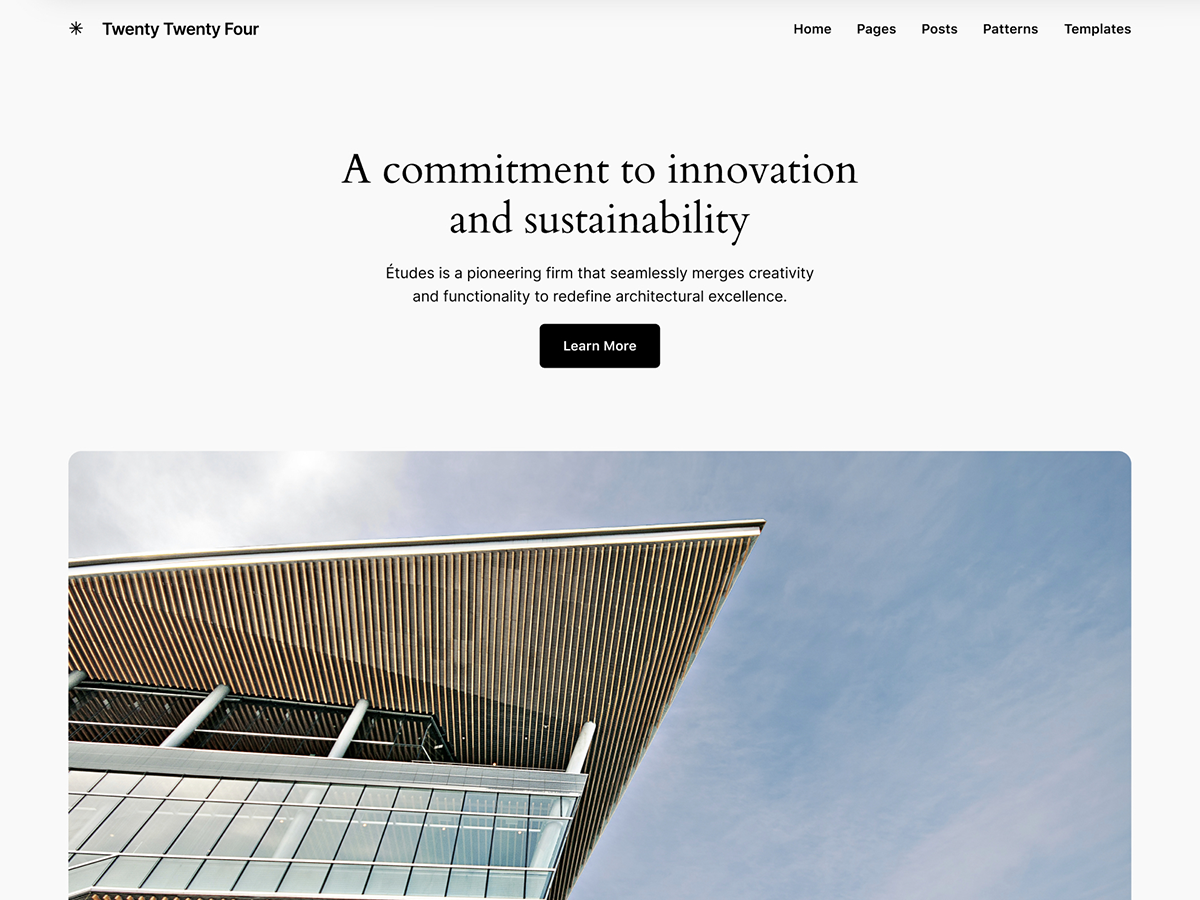
In WordPress 6.4, you’ll meet the brand-new Twenty Twenty-Four Theme. It became the default theme, and it comes with a wide array of templates and patterns for entrepreneurs, small business owners, artists, and writers.
2. Improved Font Management in WordPress 6.4
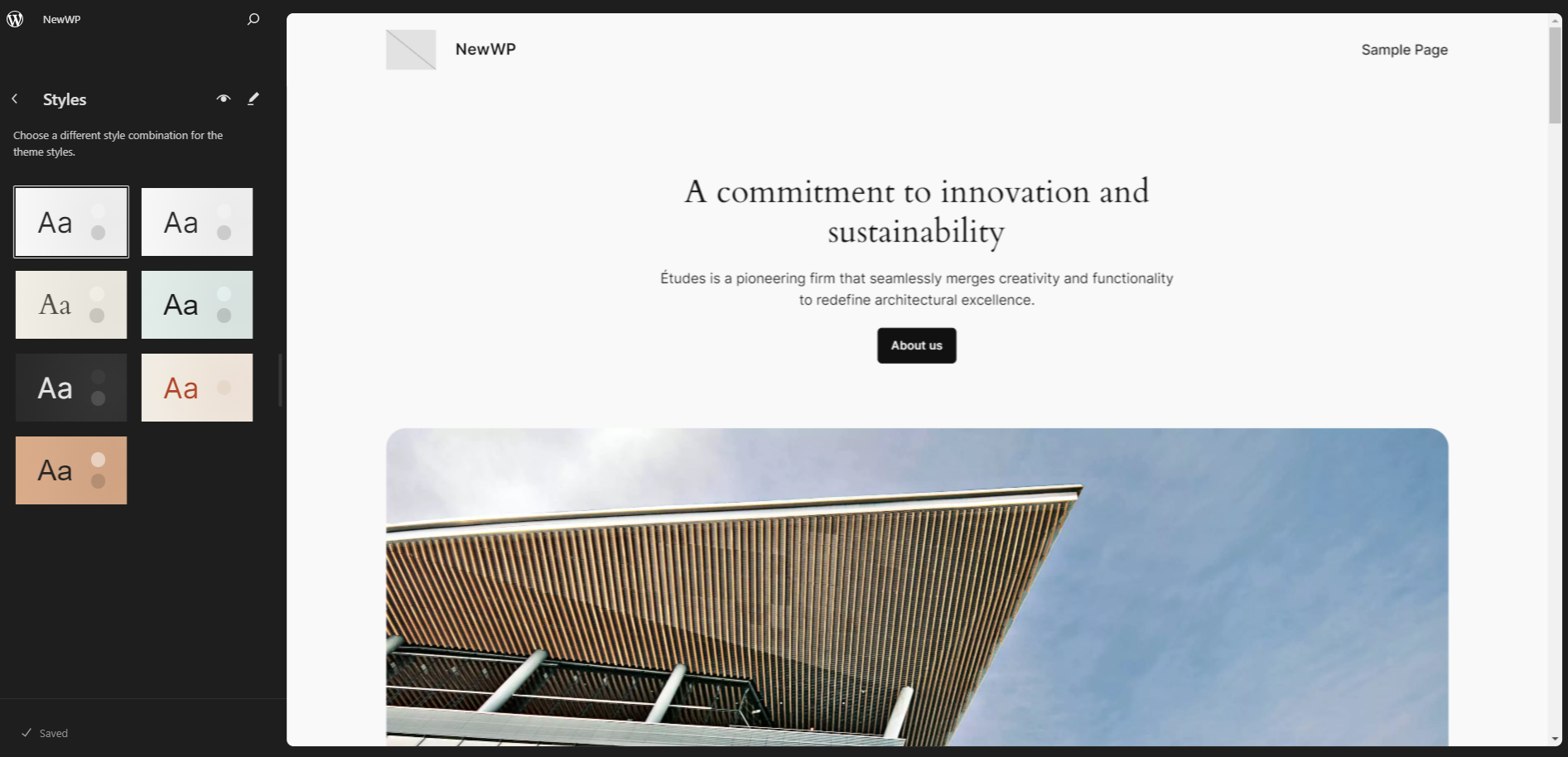
WordPress 6.4 brings enhanced font management features:
- Font Library: You can easily manage fonts for your site, even across different themes. You can install local and Google Fonts and activate them per theme without coding.
- Font Face: This feature supports server-side @font-face styles and introduces the wp_print_font_faces() function to handle font data from your editor or active theme.
Note: Update (October 5, 2023): The Font Library feature is now scheduled for release in WordPress 6.5 to ensure it receives adequate feedback and testing for the best user experience.
3. Elevate Your Image Display with Lightbox
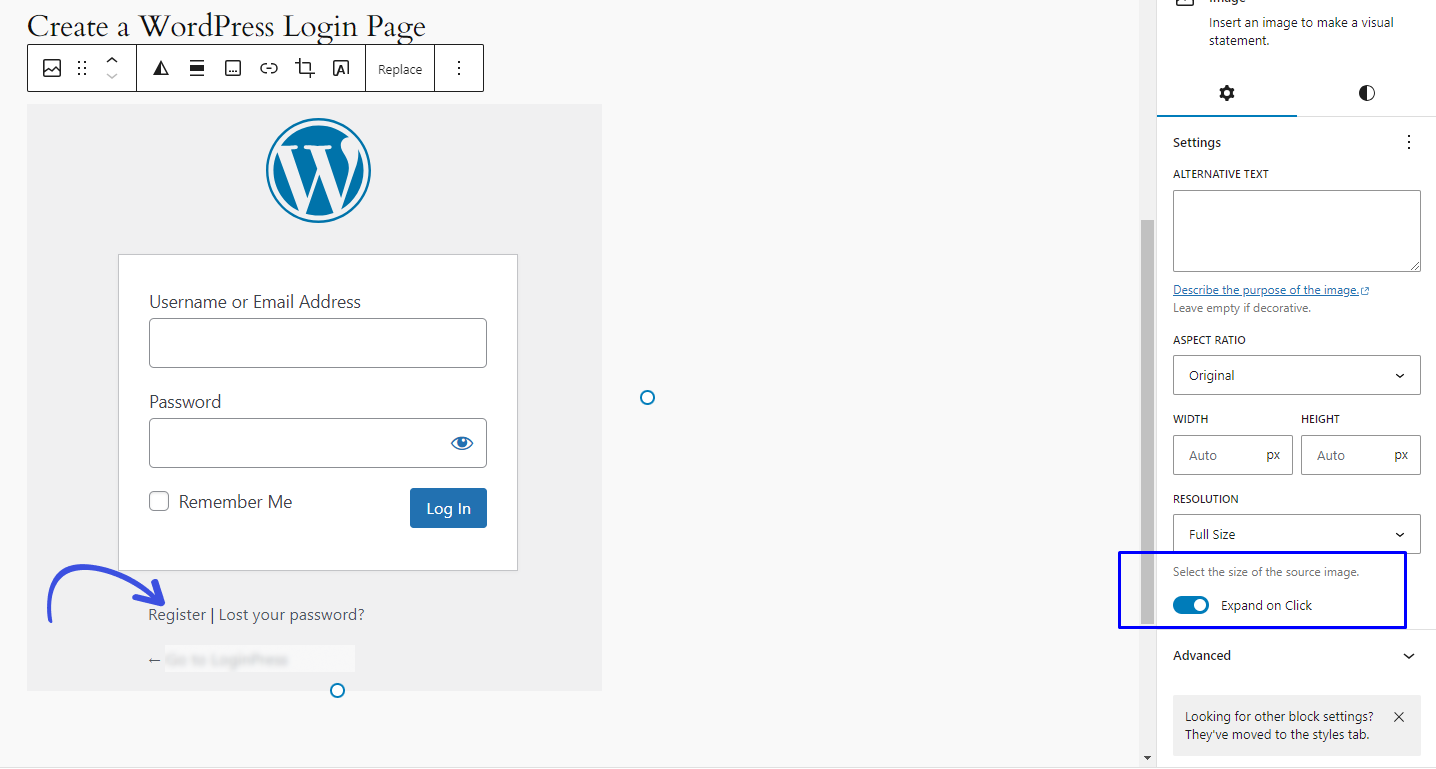
You can now add a lightbox to your images. This core feature, available for Image blocks, allows you to create an interactive and engaging experience for your website visitors.
When you enable Lightbox, it lets users easily open and zoom in on your images right on top of your existing content.
4. Enhanced Writing Experience
WordPress 6.4 introduces various enhancements to make your writing smoother and more enjoyable. You’ll benefit from new keyboard shortcuts, improved content pasting, and a more user-friendly toolbar for Navigation, List, and Quote blocks.
5. Empower Your Creativity with Enhanced Design Tools
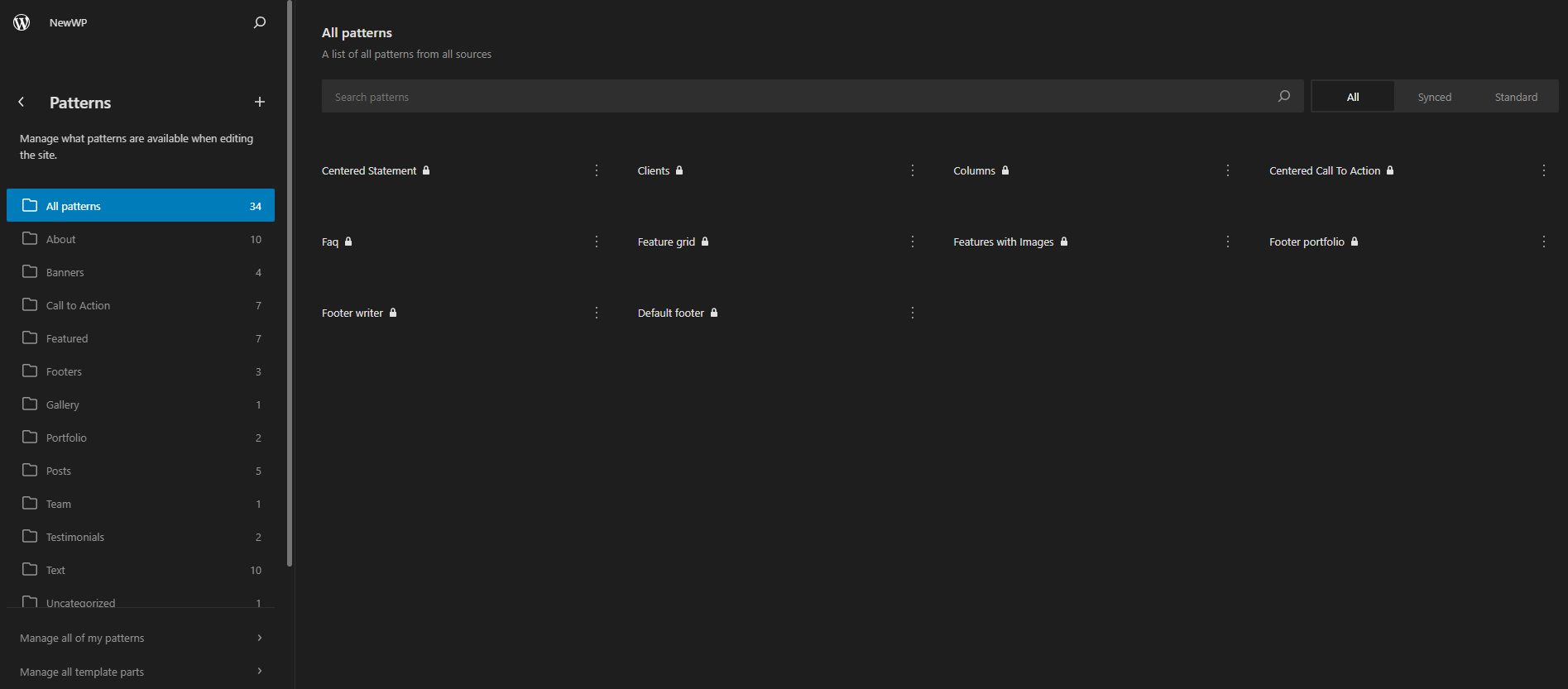
WordPress 6.4 introduces new design tools for more creativity and layout control:
- Background Images for Group Blocks: You can create custom layouts with background images.
- Aspect Ratios for Image Placeholders: Maintain design consistency by setting aspect ratios for image placeholders, perfect for working with patterns.
- Customize Button and Heading Colors: Define the appearance of buttons and headings in Group and Columns blocks for section-specific styling.
- Alignment Settings in Synced Patterns: Ensure alignment attributes remain intact when creating or converting synced patterns, enhancing the site editing and pattern creation experience.
6. Block Hooks
Block Hooks, inspired by WordPress hooks, let plugins insert blocks automatically relative to other blocks in your content. This boosts user experience, making block usage more intuitive and customizable. With the dedicated “Plugins” panel, you can easily add, remove, or rearrange Block Hooks.
7. Supercharged Performance
WordPress 6.4 brings over 100 performance updates. This includes faster template loading for Block and Classic Themes, improved script loading strategies like “defer” and “async,” and new functions to optimize autoloaded options.
Final Verdict: WordPress 6.4
WordPress 6.4 is a powerful update that provides you with enhanced control and creative freedom over your website. Its main features include:
- Twenty Twenty-Four Theme
- Enhanced Font Management
- Lightbox Image Display
- Writing Improvements
- Design Tools
- Block Hooks
- Performance Optimization
In a nutshell, WordPress 6.4 is an excellent update that helps you create, manage, and showcase your website. It’s designed with the user in mind, offering tools and features that allow you to take control of your online presence.
So, take advantage of these enhancements in WordPress 6.4!
That’s all! You can also check out How To Convert From Container To Column In WordPress.
Leave a Reply