
The top 10 CMS platforms for 2026 are WordPress, WooCommerce, Shopify, Wix Studio, Squarespace, Webflow, Drupal, Ghost, Storyblok, and Joomla. The list covers blogs, online stores, business sites and developer-led builds.
Many best CMS lists earn money from hosting links or come from a vendor with one platform to sell. This list ranks each CMS by the job it does best, with real prices and drawbacks.
We have been building WordPress and WooCommerce sites since 2007, so I will also tell you where WordPress loses. Below you will find a quick comparison table, all ten platforms with prices and real drawbacks, a breakdown by use case, and a straight comparison of WordPress against the rest of the field.
I’m Muhammad Adnan, CEO of WPBrigade. WordPress is my default, but it isn’t the right CMS for every project, and this list includes the cases where I’d pick something else.
What This Guide Covers
- What Is a CMS Platform, and Why Does the Best One Change by Use Case?
- Quick Comparison Table
- The Top 10 Best CMS Platforms for 2026
- WordPress : Best Overall for Flexibility and Long-Term Control
- WooCommerce : Best for Selling Products on an Existing WordPress Site
- Shopify : Best for Hosted, All-in-One Ecommerce
- Wix Studio : Best for Agencies and Freelancers Managing Client Sites
- Squarespace : Best All-in-One Option for Design-Conscious Small Businesses
- Webflow : Best for Design-First Marketing Sites
- Drupal : Best for Complex, Data-Heavy, or Enterprise Sites
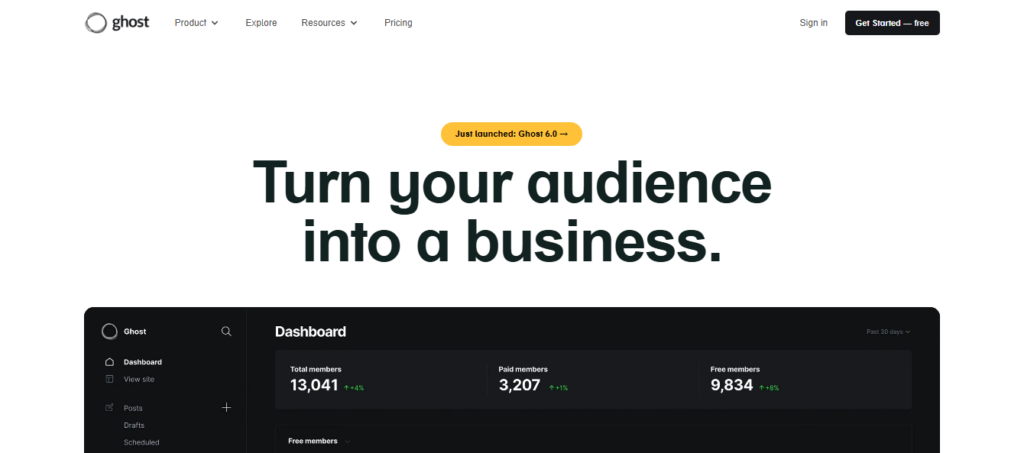
- Ghost : Best for Independent Publishers and Paid Newsletters
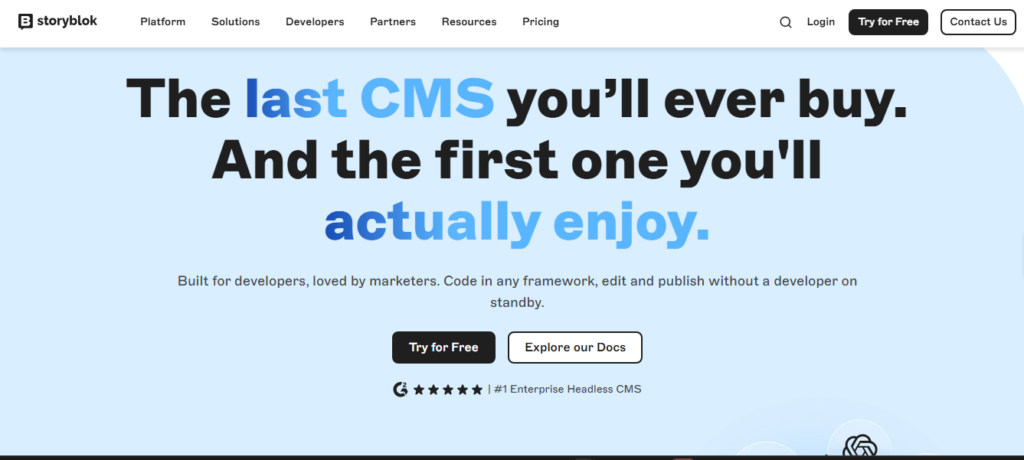
- Storyblok : Best Headless CMS for Developers Who Want Modern Workflows
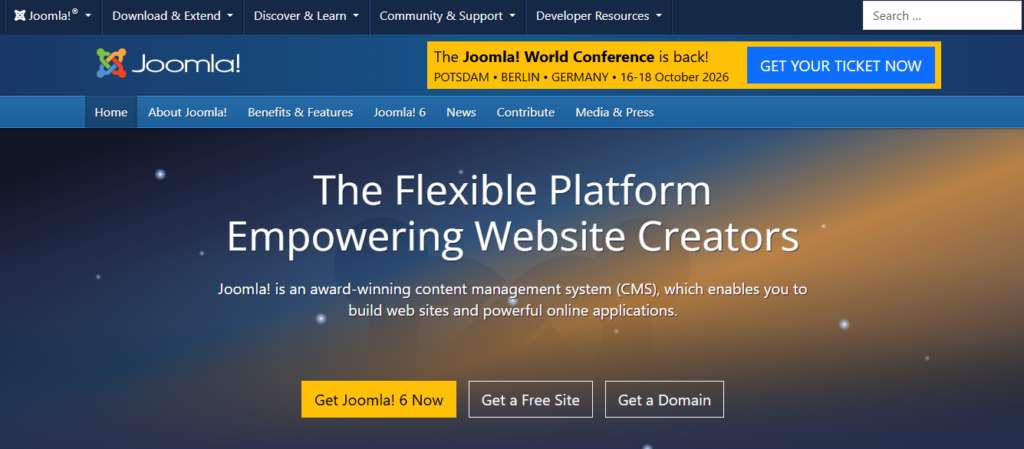
- Joomla : Best Open-Source Alternative for Advanced Users
- Which CMS Should You Choose for Blogs, Ecommerce, and Business Sites?
- How Does WordPress Compare to Other Top CMS Platforms in 2026?
- Frequently Asked Questions
- Which CMS Platform Should You Pick?
Key Takeaways
- The 10 best CMS platforms for 2026 include WordPress.org, WooCommerce, Shopify, and others, each serving different needs.
- CMS platforms help create and manage website content without coding, but the best choice depends on your specific requirements.
- WordPress is highly flexible and ideal for various site types, but it requires ongoing maintenance.
- WooCommerce specializes in turning WordPress sites into stores, while Shopify offers an all-in-one hosted solution.
- When choosing a CMS, focus on your primary goal: publishing, selling, or representing a business.
What Is a CMS Platform, and Why Does the Best One Change by Use Case?
A CMS platform is software that lets you create, edit, and publish website content without writing code from scratch. It stores your pages in a database, handles user logins, and gives you an editor to work in. Some content management systems are free and self-hosted. Others are paid services that run the servers for you.
There is no single winner among the best content management systems, and anyone who names one without asking about your project is guessing. A paid newsletter has almost nothing in common with a 400-product store.
So the question worth answering is not “which CMS is best.” It is “what does this site have to do first?” Publish, sell, or represent a business. Every ranking below follows from that.
Quick Comparison Table
The table below ranks all ten platforms by type, starting cost, and best-fit use case, so you can skip the rest if you only want the short answer.
| Platform | Type | Starting Cost | Best For |
|---|---|---|---|
| WordPress | Self-hosted CMS | Free + hosting | Flexibility and long-term control |
| WooCommerce | Ecommerce plugin for WordPress | Free + hosting | Selling on a WordPress site you already own |
| Shopify | Hosted ecommerce | $39/month | All-in-one stores with no server admin |
| Wix Studio | Hosted builder | $19/month | Agencies and freelancers with client sites |
| Squarespace | Hosted builder | $19/month (annual) | Design-led small business sites |
| Webflow | Hosted visual builder | Free, paid from $15/month | Design-first marketing sites |
| Drupal | Self-hosted CMS | Free + hosting | Complex, data-heavy, enterprise sites |
| Ghost | Hosted publishing platform | $18/month (annual) | Independent publishers and newsletters |
| Storyblok | Headless CMS | Free Starter plan | Developer teams with custom frontends |
| Joomla | Self-hosted CMS | Free + hosting | Advanced users who want more built in |
Prices checked July 2026 on each vendor pricing page. SaaS pricing moves, so confirm before you commit.
The Top 10 Best CMS Platforms for 2026
Each platform below gets what it is good at, what it costs, and at least one drawback I would tell a client about before they signed anything. None of them is a clean win.
WordPress: Best Overall for Flexibility and Long-Term Control
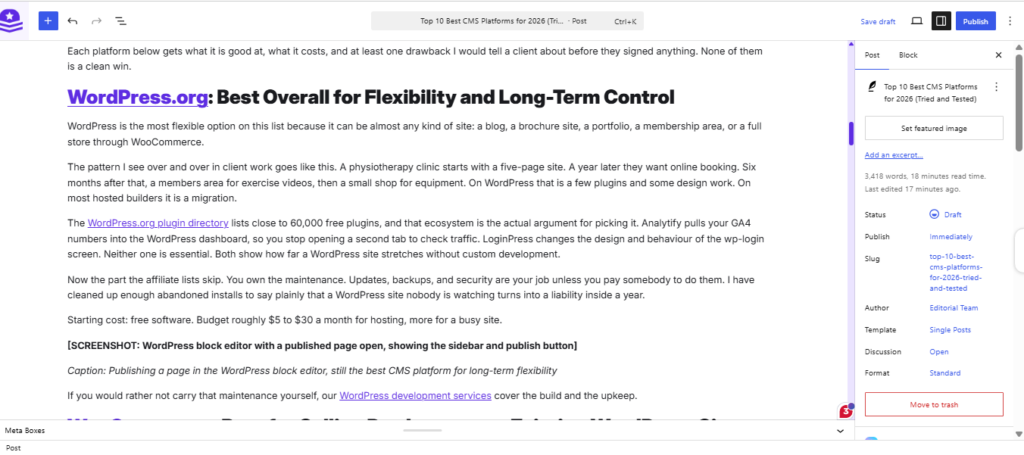
WordPress is the most flexible option on this list because it can be almost any kind of site: a blog, a brochure site, a portfolio, a membership area, or a full store through WooCommerce.
The pattern I see over and over in client work goes like this. A physiotherapy clinic starts with a five-page site. A year later they want online booking. Six months after that, a members area for exercise videos, then a small shop for equipment. On WordPress, that is a few plugins and some design work. On most hosted builders, it is a migration.
The WordPress.org plugin directory lists close to 60,000 free plugins, and that ecosystem is the actual argument for picking it. Analytify pulls your GA4 numbers into the WordPress dashboard, so you stop opening a second tab to check traffic. LoginPress changes the design and behavior of the wp-login screen. Neither one is essential. Both show how far a WordPress site stretches without custom development.
Now the part the affiliate lists skip. You own the maintenance. Updates, backups, and security are your job unless you pay somebody to do them. I have cleaned up enough abandoned installs to say plainly that a WordPress site nobody is watching turns into a liability inside a year.
Starting cost: free software. Budget roughly $5 to $30 a month for hosting, more for a busy site.
If you would rather not carry that maintenance yourself, our WordPress development services cover the build and the upkeep.
WooCommerce: Best for Selling Products on an Existing WordPress Site
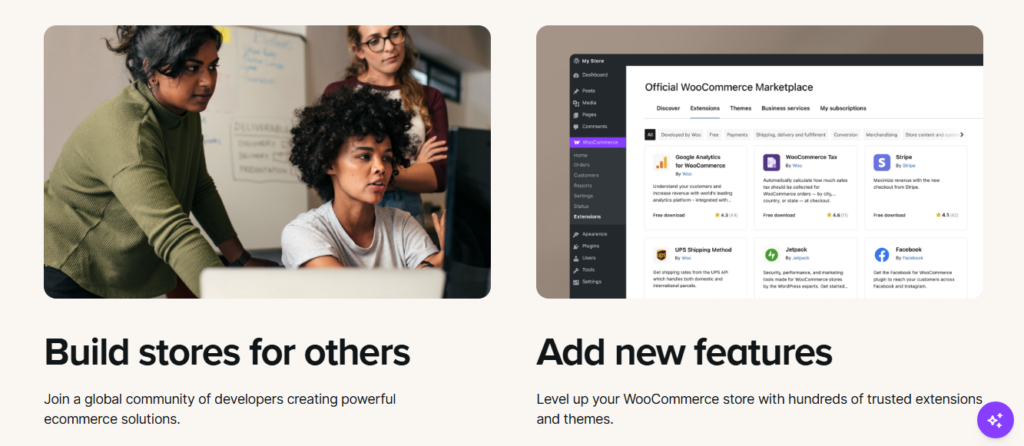
WooCommerce is a plugin, not a separate CMS, and it turns a WordPress site you already own into a working store. That distinction matters when you compare it against Shopify, because the real comparison is WordPress plus WooCommerce versus Shopify.
Best fit: a retailer already running WordPress with somewhere between 20 and a few hundred products, who does not want to rebuild the whole site to start selling.
The drawback is hosting. A store is heavier than a brochure site, and cheap shared hosting shows it at checkout, which is exactly where you cannot afford a slow page. If you are tracking revenue in GA4, the Analytify WooCommerce tracking add-on reports orders and product performance inside WordPress.
Starting cost: free plugin. You pay for hosting and your payment gateway fees.
Shopify: Best for Hosted, All-in-One Ecommerce
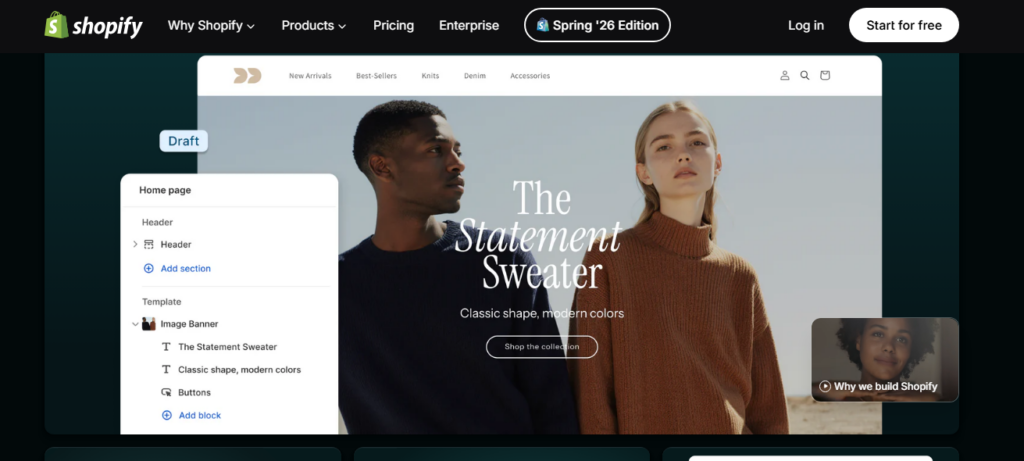
Shopify suits sellers who want to sell and never think about servers again. Hosting, security, SSL, and platform updates are handled for you, which is genuinely worth paying for if nobody on your team is technical.
A direct-to-consumer brand launching a first store with no developer will get further faster here than anywhere else on this list.
The honest catch is the fee structure. The Basic plan is $39 a month, or $29 billed annually, and if you use a payment gateway other than Shopify Payments, you pay an extra transaction fee on top of your card processing rate. On a store doing real volume, that gap adds up quietly.
Wix Studio: Best for Agencies and Freelancers Managing Client Sites
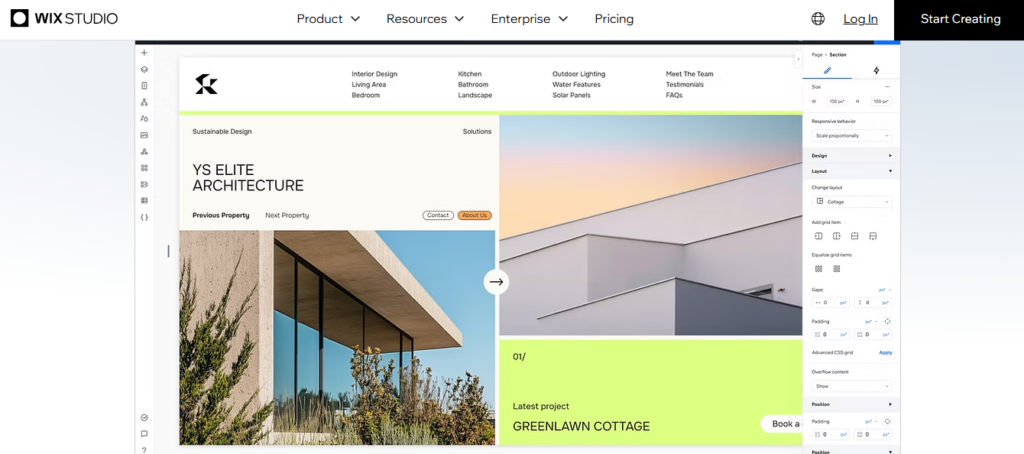
Wix Studio is built for people who manage sites for other people. Client billing, handover, reusable design systems, and a single dashboard for every project are why it exists, and why it belongs on a list of the best CMS platforms for agencies.
Picture a freelance designer running five client sites. On Wix Studio, she works from one login instead of five, and she can hand a client a limited editor without giving away the whole build.
Worth knowing before you switch: Wix Studio is not the standard Wix builder with a new coat of paint. The layout system is closer to a design tool, and there is a real learning curve if your team is used to drag-and-drop.
Starting cost: $19 a month on the Basic plan, up to $159 for the top tier.
Squarespace: Best All-in-One Option for Design-Conscious Small Businesses
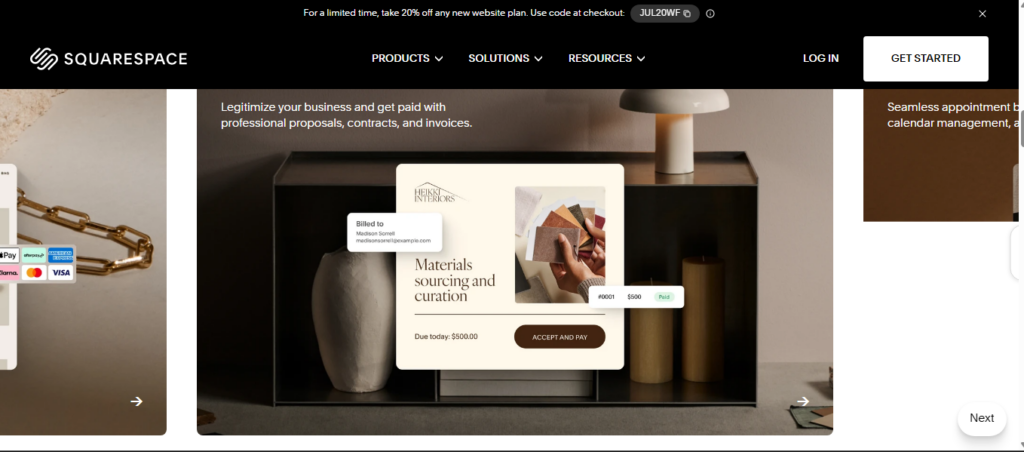
Squarespace wins on templates. If you want a site that looks considered without hiring a designer, nothing else here gets you there as quickly.
It fits photographers, studios, restaurants, and consultants, the kind of site where presentation carries most of the weight and the feature list is short.
The ceiling arrives sooner than people expect. Third-party extensibility is limited compared to WordPress, so a client who later wants a booking system tied to their CRM often ends up rebuilding somewhere else. I would rather say that now than after the invoice.
Starting cost: $19 a month billed annually, or $25 month-to-month.
Webflow: Best for Design-First Marketing Sites
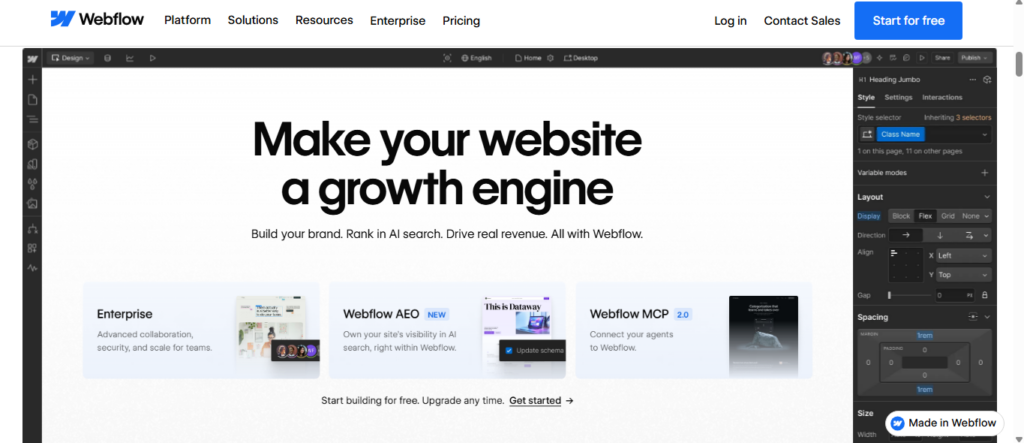
Webflow gives you pixel-level control and clean production output, which is why marketing teams that care about custom layout and animation keep landing on it.
The typical use case is a campaign or product page where the design is the point, built by someone who understands the box model but does not want to hand-code a frontend.
Two things to check. Webflow reworked its plans in May 2026, merging the old CMS and Business site plans into a single Premium tier, so any pricing guide written before then is out of date. And the learning curve sits well above Squarespace, since you are effectively working with CSS concepts in a visual interface.
Starting cost: free Starter plan to build and test. Paid site plans begin around $15 a month annually, with the CMS-capable Premium plan at $25 a month annually.
Drupal: Best for Complex, Data-Heavy, or Enterprise Sites
Drupal handles structured content and complicated permissions better than anything else on this list. Thousands of interlinked records, dozens of user roles, multiple editorial workflows: this is the software that does not fall over.
Universities, government departments, and large membership organizations are where it earns its keep, and its share among the highest-traffic sites is far larger than its overall market share suggests.
Be clear-eyed about the cost. Drupal is free, like other open source CMS platforms, but almost any real customization needs a developer. The software is free. The project is not.
Ghost: Best for Independent Publishers and Paid Newsletters
Ghost is built around memberships and paid subscriptions, so a writer can run a publication and its billing from one place without stitching together a newsletter tool, a payment processor, and a blog.
A solo journalist launching a paid newsletter with free and paid tiers is the exact reader Ghost was designed for. It takes 0% of subscription revenue, which is the part people underestimate over a full year.
There is a pricing trap worth flagging. The $18 a month Starter plan does not support paid memberships. If you plan to charge readers, your real entry point is the Publisher plan at $29 a month billed annually. Ghost is also open source, so self-hosting is free if you are comfortable running your own server.
And it is not a general-purpose CMS. Do not pick Ghost for a business site with services pages and a product catalog.
Storyblok: Best Headless CMS for Developers Who Want Modern Workflows
Storyblok is my pick for the best CMS for developers because its component-based, API-first architecture lets a team build the frontend in any framework while marketers still get a visual editor for content.
Concrete example: a product team builds the marketing site in Next.js, and the content lead edits a hero block or swaps a testimonial without opening a pull request. That combination is the whole reason headless caught on.
Here is the trade-off nobody selling headless puts in the headline. You are buying a content backend, not a website. Somebody has to build and maintain the frontend, so a headless setup carries ongoing engineering cost that a traditional CMS does not. For a team with developers, that is fine. For a five-person business, it is a bad trade.
Starting cost: free Starter plan for one user, paid Growth plans as you add seats.
Joomla: Best Open-Source Alternative for Advanced Users
Joomla sits between WordPress and Drupal, with more capability out of the box than WordPress and less complexity than Drupal. Multilingual content and granular access control are built in rather than bolted on.
It appeals to developers who would otherwise assemble three or four plugins to get user permissions working the way they want.
The problem is not the software; it is the surrounding market. The extension marketplace and the community are both far smaller than WordPress’s, which affects how easily you find a developer, a tutorial, or a maintained extension in three years. On a site meant to run for a decade, that matters more than a feature comparison does.
Which CMS Should You Choose for Blogs, Ecommerce, and Business Sites?
The right CMS depends on what the site has to do first: publish content, sell products, or represent a business online. Here is how that maps to the ten platforms above.
| Use Case | Top Pick | Why |
|---|---|---|
| Blogging and publishing | WordPress or Ghost | WordPress for plugin flexibility, Ghost for built-in paid subscriptions |
| Ecommerce (small store) | WooCommerce | Full control of the store with no monthly platform fee |
| Ecommerce (scaling or enterprise) | Shopify | Hosted infrastructure that holds up at high order volume |
| Small business site | WordPress or Squarespace | Squarespace to launch fast, WordPress if the site will grow features |
| Agency managing client sites | Wix Studio or WordPress | Wix Studio for multi-site handover, WordPress for deeper customization |
| Developer-led or headless build | Storyblok | API-first content delivery to any frontend framework |
Two picks appear twice on purpose. The best CMS for small business is usually a straight choice between speed to launch and room to grow, and only you know which one your next 18 months need.
If you are still torn after this table, shortlist two and stop reading comparison articles. Nobody has ever chosen well by reading an eleventh one.
How Does WordPress Compare to Other Top CMS Platforms in 2026?
WordPress is still the most-used CMS in the world by a wide margin, but “most used” and “best for your project” are different questions. As of October 2026, W3Techs puts WordPress at about 40.2% of all websites and 58.7% of sites running a detectable CMS.
One caveat on that number, because it is the kind of thing that makes readers distrust a whole article. HTTP Archive measures the same thing differently and reports around 33%, because it counts subdomains separately while W3Techs does not. Both figures are correct for what they measure. The figures here follow W3Techs, checked in July 2026.
That share has also dipped slightly from its 2022 peak. It is a slow decline, not a collapse, and hosted builders taking new small-business sites is the main reason.
| Factor | WordPress | Shopify | Webflow | Headless CMS |
|---|---|---|---|---|
| Cost to start | Free + hosting | $39/month | Free, paid from $15/mo | Free tier, then per seat |
| Technical skill | Low to moderate | Low | Moderate | High, developer required |
| Extensibility | Very high | Moderate, app store | Moderate | Very high, custom build |
| Who it suits | Sites that will change | Stores that just sell | Design-led marketing | Multi-channel content |
WordPress does not win every row, and I would not trust this table if it did. It wins on extensibility and on what a site can become in three years. It loses to Shopify on setup simplicity for a store, and it loses to Squarespace on time-to-launch for a small brochure site.
People searching for the best CMS for WordPress users are usually asking a narrower question: should we stay or move? If your site is maintained and does what you need, moving costs more than it returns. If nobody has updated it in two years, the platform is not your problem.
If you’ve narrowed it down to two platforms, my head-to-head comparisons go deeper: WordPress vs HubSpot, Magento vs WordPress, ClickFunnels vs WordPress and WordPress.com vs WordPress.org. If you’re leaving Shopify, see these Shopify alternatives, and if you’re on a site builder today, read custom WordPress vs no-code builders before you switch. For HubSpot on its own, here’s what HubSpot CMS is and who it suits.
Frequently Asked Questions
Which CMS Platform Should You Pick?
There is no single best CMS in 2026, only the best one for what a specific site has to do. Match the platform to the primary job first, then compare price and learning curve.
Three things to do next:
- Write down the site’s primary job in one sentence: publish, sell, or represent a business.
- Take that sentence back to the Quick Comparison Table and shortlist two platforms, not ten.
- Build a test page on both before you spend any money. A free trial or a local install answers questions no comparison article can.
Still stuck between two platforms, or looking at a migration you would rather not run yourself? Talk to WPBrigade about your project.
Further Reading:
Which two platforms are on your shortlist, and what’s the one thing stopping you from committing to either?
Leave a Reply