
The WP Headers and Footers Plugin is a powerful, user-friendly tool for WordPress site administrators and developers, enabling easy insertion of custom code snippets into the header, body, and footer of your website.
This plugin provides the flexibility to add third-party scripts, tracking codes, or custom styles globally across your site without modifying theme files.
In this documentation, we will focus on configuring the script execution priority for scripts added via the WP Headers and Footers Plugin.
These settings control when your custom scripts load relative to other scripts on your site, ensuring proper script order and preventing conflicts.
Header’s Priority #
The Header’s Priority setting controls the execution order of scripts added to the <head> section of your website. Scripts with lower priority values will load earlier.
For example, a script with priority 5 will load before one with priority 10.
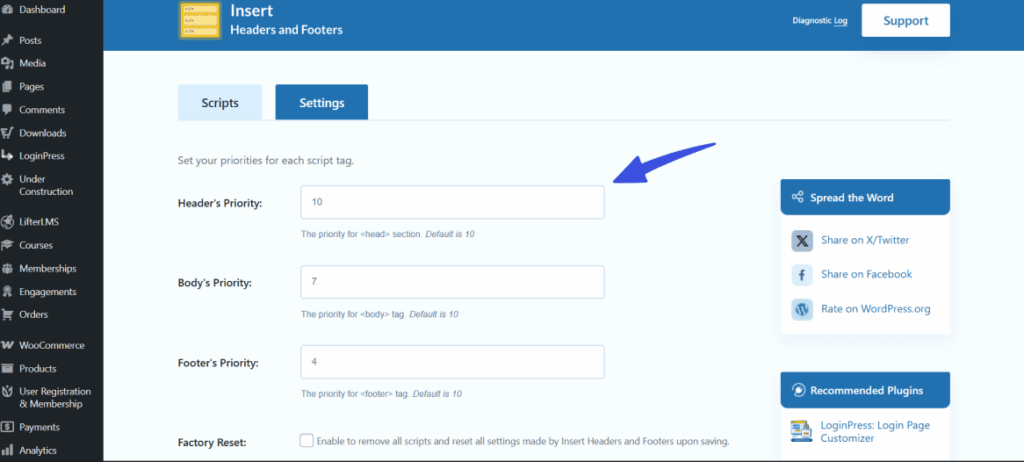
This is useful when you need a custom header script to load before or after another script. For example, if you want to load Google Tag Manager, analytics, or other third-party tools in a specific order, you can set their priorities to control when each script executes.
Body’s Priority #
The Body’s Priority setting controls the execution priority for scripts injected into the <body> tag using the wp_body_open hook. As with the header, lower values = higher priority.
For example, a script with priority 5 will execute before one with priority 10.
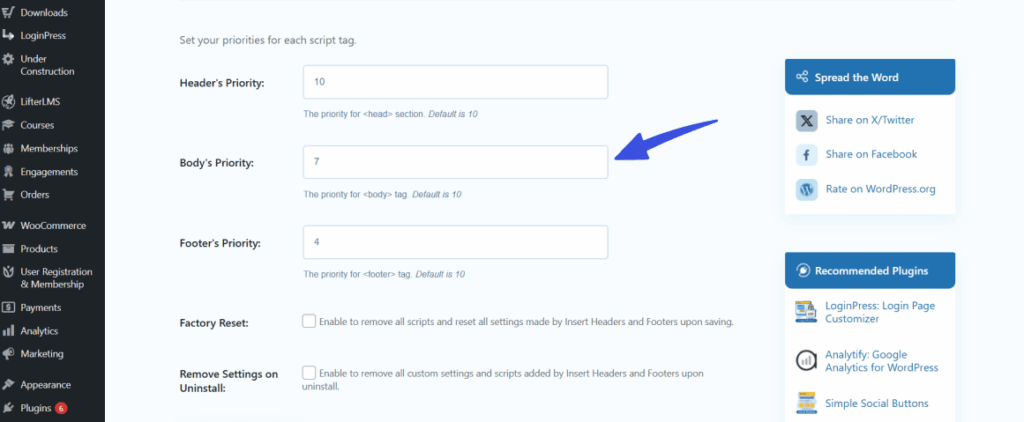
This feature is ideal for managing the load order of body-level scripts, such as tracking pixels, chat widgets, or A/B testing tools. By adjusting the priority, you can ensure these scripts load in the correct order for precise execution timing.
Footer’s Priority #
The Footer’s Priority controls the load order of scripts inserted just before the </body> tag. Again, lower numbers = higher execution priority.
For example, a script with priority 5 will execute before one with priority 10.
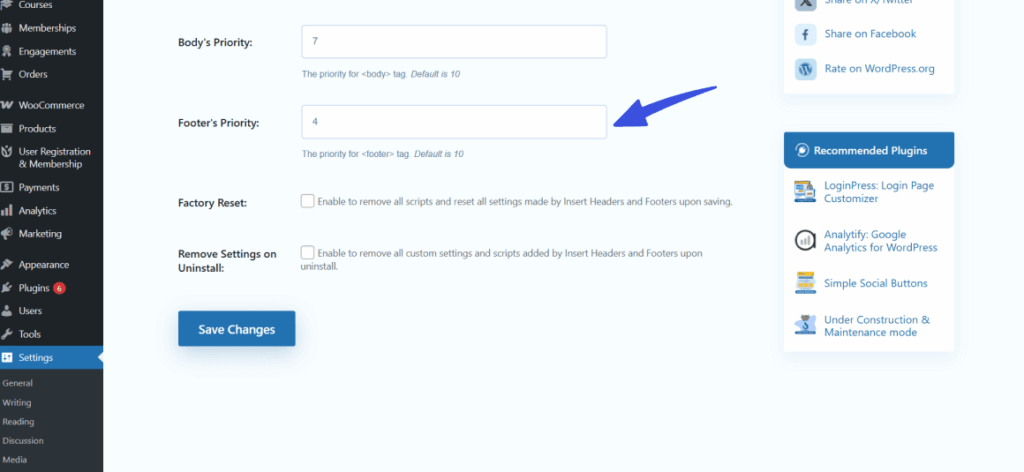
This setting is commonly used for performance-optimized scripts that should run at the end of the page load. These scripts may include custom JavaScript, analytics tools, or DOM-ready scripts that don’t need to block page rendering and can be executed after the page has loaded.
Conclusion #
By configuring the execution priorities for your header, body, and footer scripts, you can gain better control over how they load on your WordPress site, ensuring the correct execution order for critical elements such as tracking codes, widgets, and performance scripts.
If you also need to manage the plugin’s settings and data during uninstallation, or reset your configurations, check out our guide on Factory Reset and Uninstall Options in WP Headers and Footers for more details.
Feel free to reach out to our dedicated support team for any further queries!